
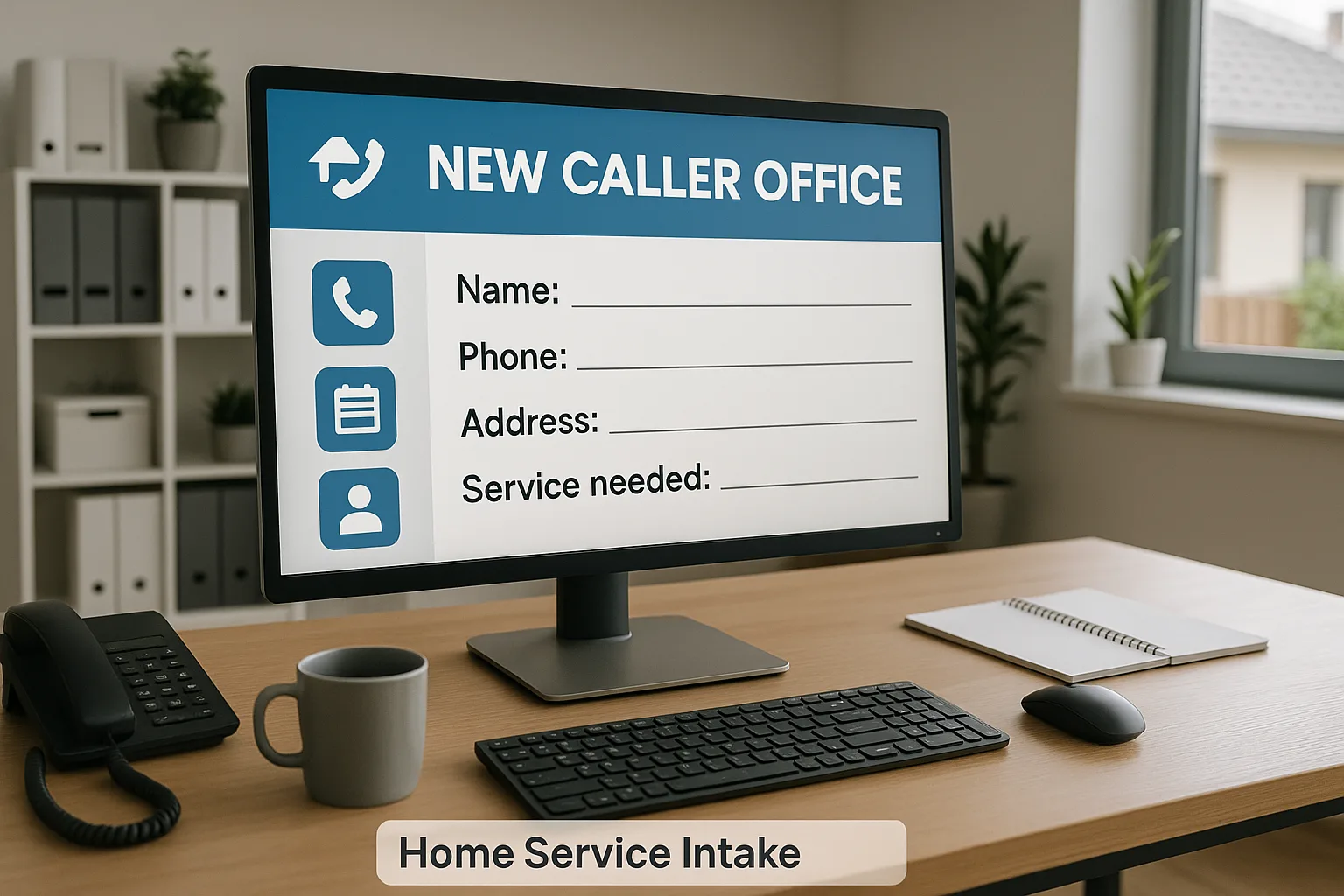
If you run a home service business, the new caller intake questions that belong in a CRM are the ones that let you qualify, schedule, and follow up without a second call.
Capture name, phone, email, service address, service type, urgency, preferred times, lead source, access notes, consent to text, and the caller’s requested next step.
Set these up once in your CRM with a concise script, then let automations do the busywork.
If you plan to use an AI receptionist, pair fields with CRM automation and lead follow-up automation so responses go out fast; see why lead response speed decides who wins the job.
Why capture intake in your CRM
Turning caller details into structured CRM data means every lead comes with context, not just a phone number. Choosing the new caller intake questions that belong in a CRM turns handoffs into clear next steps instead of guesswork.
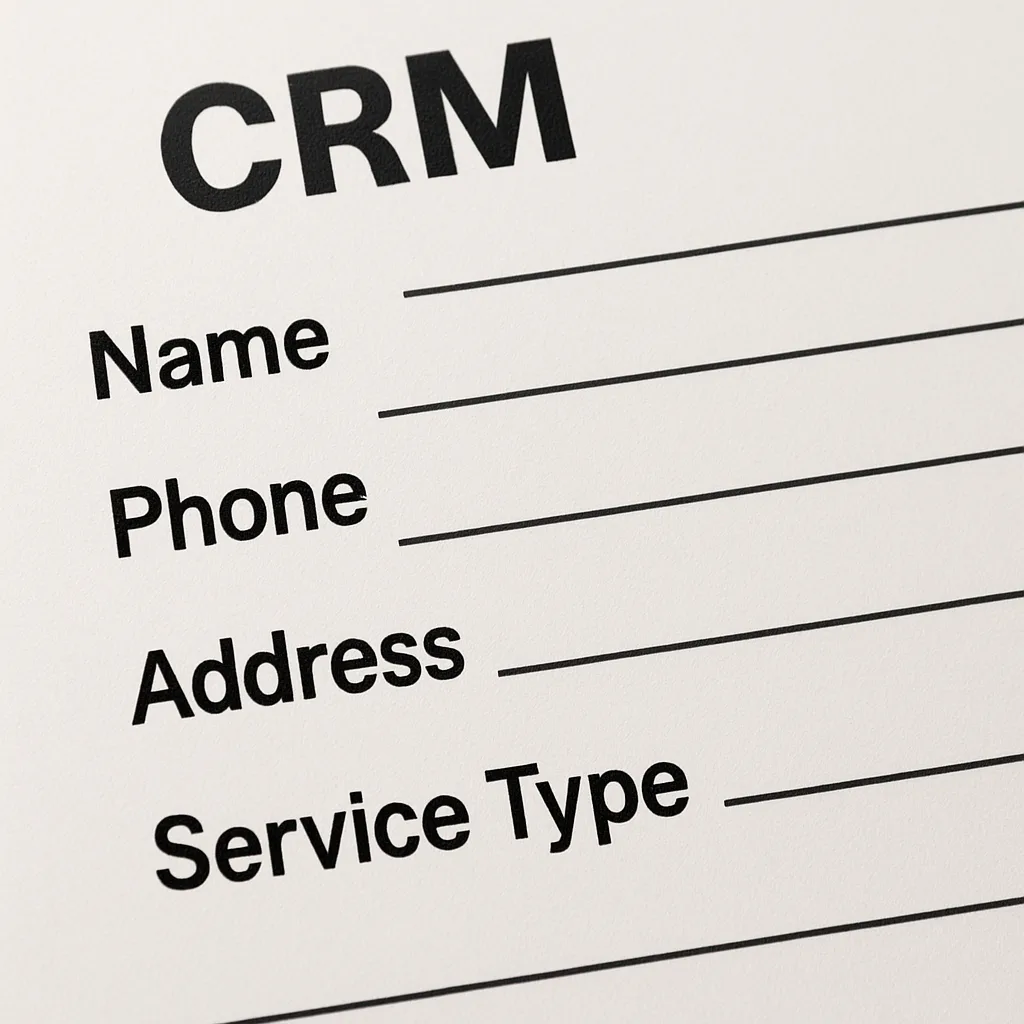
Consistency also lets you measure which services and neighborhoods drive profitable jobs. That informs staffing and routing across Greater St. Louis without extra calls.
Industry guidance on lead management emphasizes capturing, qualifying, and tracking lead data so follow-up is timely and relevant, which supports how you select intake fields in your CRM (HubSpot).
New caller intake questions that belong in a CRM
Gather only what’s needed to qualify, schedule, and follow up without slowing the call.
- Full name and best contact number
- Email for confirmations
- Service type or reason for the call
- Urgency level and preferred appointment windows
- Service address and city
- Municipality, if permits/utilities vary by area
- Access notes or special instructions
- Lead source (how they heard about you)
- Budget context or decision timing, if offered
- Permission to text and preferred contact method
- Caller’s requested next step (estimate, dispatch, or callback)
If it’s an emergency, prioritize name, callback number, service type, address, and urgency. Book first, then finish the rest later.
For routine work, capture the full set and any details that help a tech arrive prepared.
Structure your CRM intake form for speed
Keep the new caller intake questions that belong in a CRM organized into three short sections: Contact, Service Details, and Scheduling/Next Step. This reduces scrolling and helps new staff follow a clear path under pressure.
- Contact: First name, last name, phone (required), email, preferred contact method.
- Location: Street, city, ZIP, municipality, entry notes.
- Service details: Service type (dropdown), short problem description, photos incoming? (Y/N).
- Timing: Urgency (now/soon/scheduled), preferred windows.
- Ops: Lead source, next step (estimate/dispatch/callback), assigned owner.
Use dropdowns for common service types and next steps, checkboxes for permissions, and one free-text notes area for context. Keep required fields minimal.
Set smart defaults to cut clicks. If your CRM supports it, show conditional fields only when relevant, like “Unit age” for HVAC calls.
Integrate intake with routing and automation
When the new caller intake questions that belong in a CRM are filled consistently, workflows can route by service type, urgency, and ZIP. Create tasks, schedule estimates, and send confirmations the moment a field changes.
Define simple escalation triggers for bots and staff. If the caller mentions water shutoff, gas, no heat in freezing temps, or an active leak, escalate to a human immediately.
Automate post-call steps. Send a confirmation when an appointment is set, and create a same-day task if “next step = callback.” Tag referrals differently so marketing doesn’t over-message trusted introductions.
After-hours, use the same fields to drive missed-call recovery. With name, number, service, and urgency captured, your dispatcher can offer windows before competitors do.
Train staff and refine the form
Coach exact phrasing and explain why each field matters. People complete forms more accurately when they know how data affects scheduling, safety, and customer satisfaction.
Run three mock calls per new hire: one emergency, one routine estimate, and one price-check. Time each to keep most calls under two minutes.
Review monthly at first, then quarterly. Remove fields no one uses. Add only what prevents repeated issues or speeds the handoff.
Use CRM reports to spot which services and ZIP codes convert fastest. Ask targeted questions that help you qualify better without lengthening calls.
For St. Louis operators
If you cover both sides of the river or multiple utilities, track municipality separately from mailing city. That single field avoids permit or utility confusion.
Adopt a “minimum viable intake” on peak days: name, number, service, city, urgency, next step, and a one-line note. Finish the rest after it’s on the calendar.
Make the CRM your single source of truth. If it isn’t in the record, it didn’t happen.
Common pitfalls
Don’t bury service type, urgency, or next step in notes. Use structured fields so automations fire.
Don’t turn intake into a survey. Ask what you need to qualify and schedule now; collect technical details via photos or on-site.
Don’t forget consent and contact preference. Recording permission to text protects you and improves show rates.
Next steps to implement your CRM intake
- Draft the form and defaults, then run five real calls through it end to end.
- If calls exceed two to three minutes without clear value, trim a field.
- Add only the one field that would have prevented any recent confusion.
- Wire key fields to simple rules: create task on “request callback,” send confirmation on “appointment scheduled,” escalate on “urgency = now.”
- Document escalation triggers and ownership so handoffs are predictable.
Start by drafting and testing the new caller intake questions that belong in a CRM with five real calls.
Keep the new caller intake questions that belong in a CRM lean and tied to a next step, and your team will book faster with fewer do-overs.
Ready to map your fields to simple, reliable workflows? Book a short working session: Schedule now.