
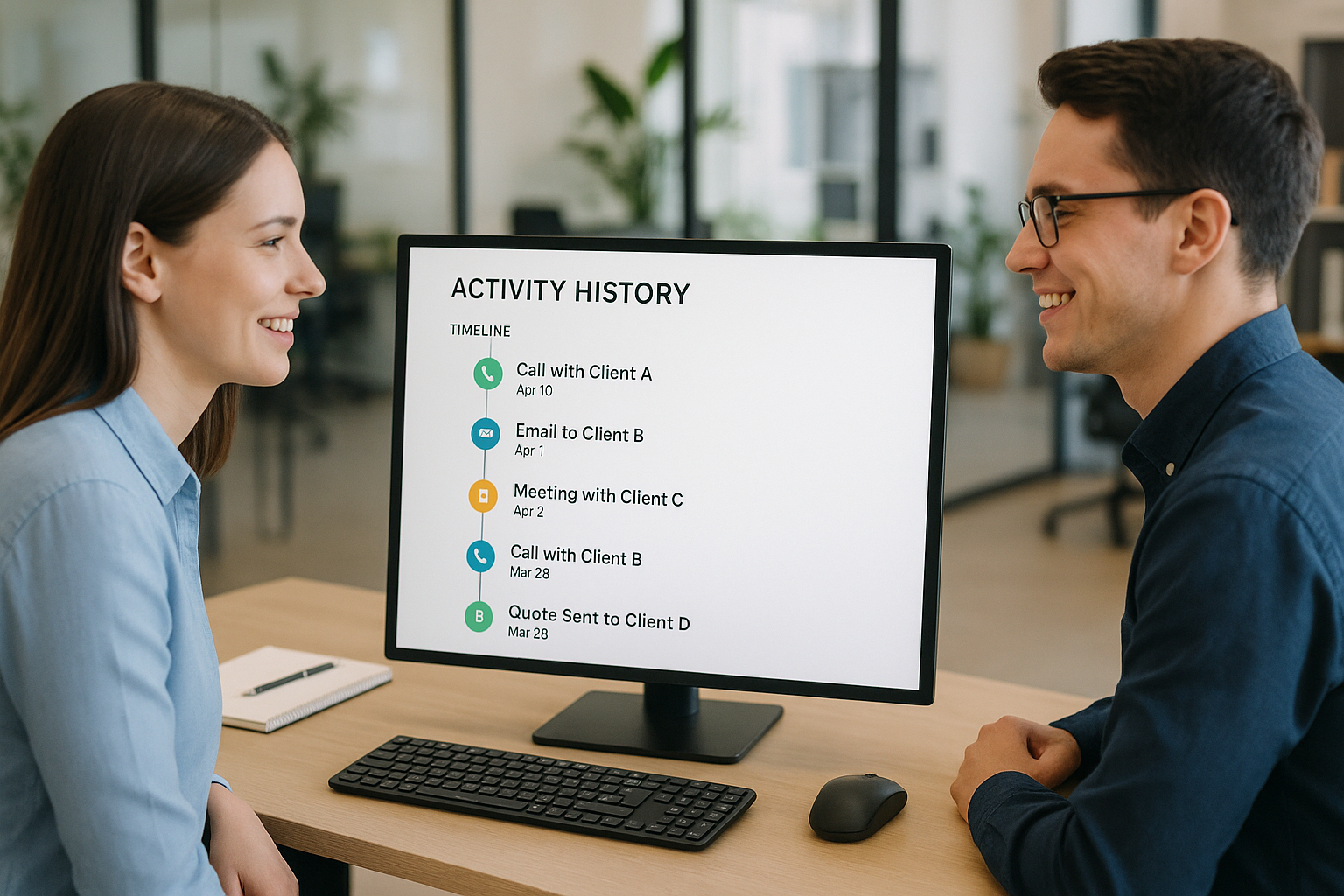
When a new employee joins your team, the first thing they need is context. Without a reliable activity history that a new hire can trust, onboarding becomes a guessing game. The right records can make the difference between a confident start and weeks of confusion.
Modern businesses rely on clear, accurate records of every call, email, and meeting.
An activity history that a new hire can trust ensures they hit the ground running, avoid repeated mistakes, and build on past relationships. Let’s explore the best ways to achieve this—whether you build, buy, or wait.
Understanding Activity History and Its Importance for New Hires
When a new team member joins, they need to quickly understand past interactions with clients, leads, and colleagues.
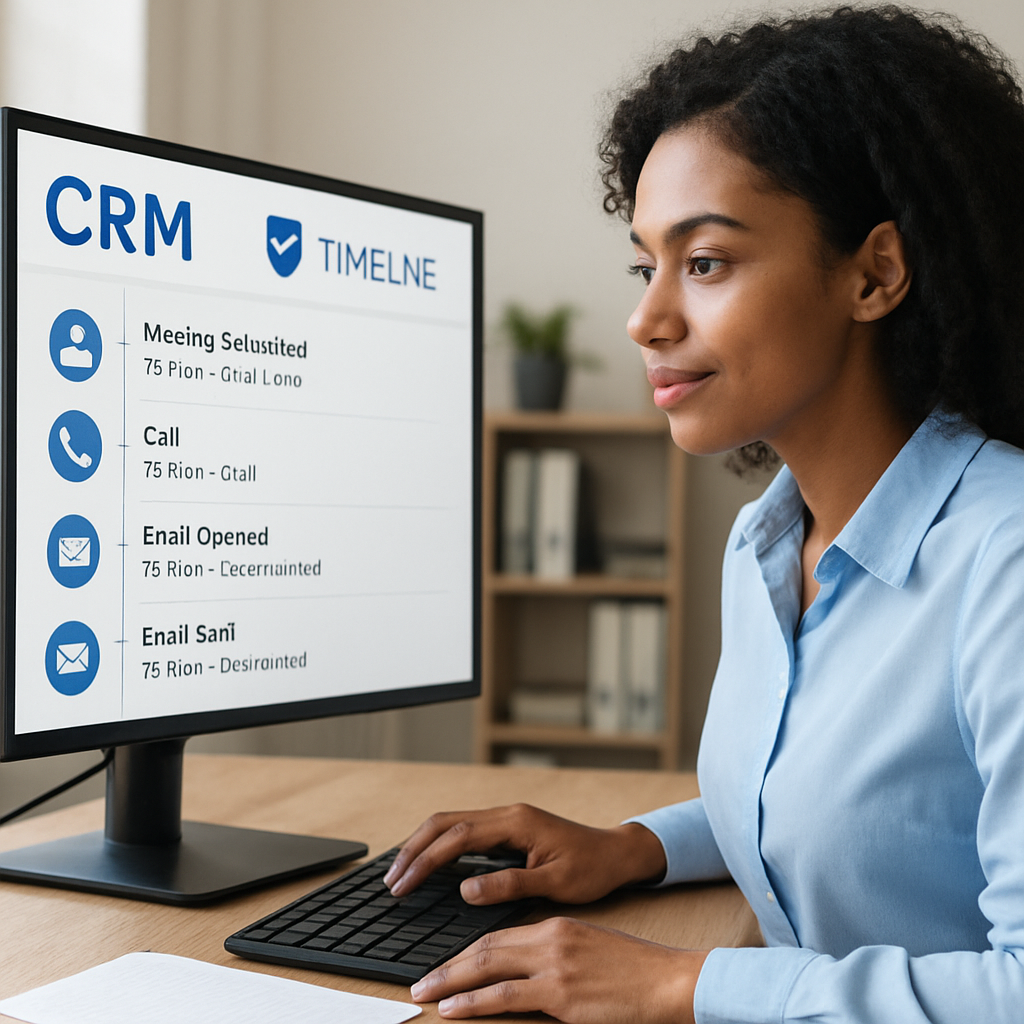
Activity history that a new hire can trust is the backbone of this process, providing a clear record of communications, meetings, and follow-ups. Without it, onboarding can be confusing and inefficient.
A reliable activity history ensures that new hires don't have to hunt through scattered emails or ask coworkers for context.
Instead, they can see a timeline of every relevant touchpoint. This transparency helps them make informed decisions and reduces the risk of repeating work or missing important details.
Barriers to Trustworthy Activity Data
One of the biggest challenges is ensuring that the activity history is accurate and up to date. Duplicate contacts, incomplete records, and missing notes can all erode trust in the system.
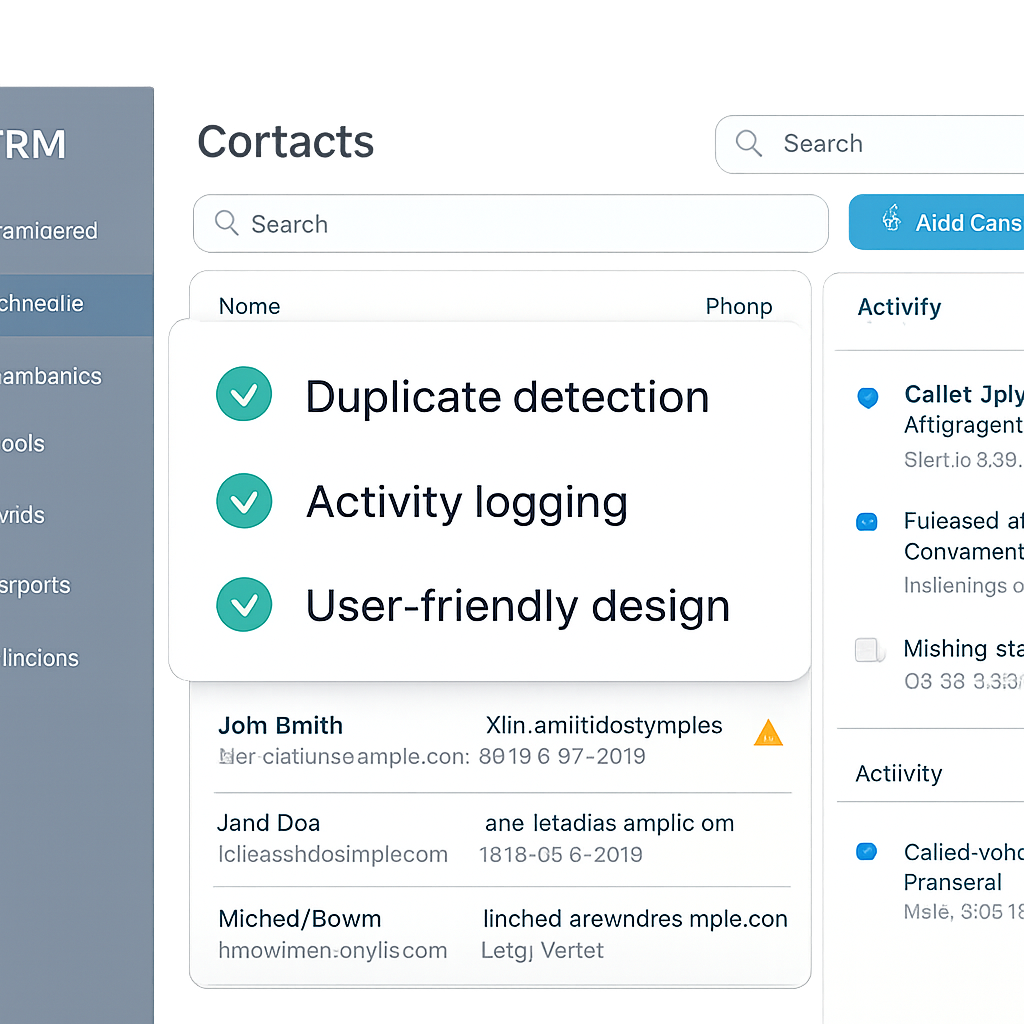
Many commercial CRM tools, such as those from Salesforce and HubSpot, offer features to detect and merge duplicates, but these must be set up and maintained properly [Salesforce][HubSpot].
Building a custom CRM solution to manage activity history requires significant technical expertise and resources. This can be a barrier for smaller organizations or those without dedicated IT support.
Alternatively, buying an off-the-shelf solution may offer faster deployment but could require process changes to fit the tool’s workflow.
- Accurate activity history reduces onboarding time for new hires, enabling them to contribute sooner.
- Delaying implementation of activity history tools can lead to lost productivity and confusion.
- Commercial CRM platforms often include duplicate detection and merging features to help maintain data integrity.
- Custom solutions demand more technical investment but allow for tailored workflows.
- Regular audits and user training are essential to keep activity history reliable.
For a new hire, being able to trust the activity history means they can focus on building relationships and delivering results, not second-guessing the information in front of them.
Activity history that a new hire can trust is not just about technology—it's about creating a culture of transparency and accountability from day one.
Real-World Impacts
A reliable activity history can drastically reduce the learning curve for new hires by providing immediate context for ongoing projects.
For example, when a new developer joins a software team, access to a detailed log of previous code changes and decisions helps them avoid redundant work and understand team conventions.
It's important to recognize that incomplete or outdated records can lead to repeated mistakes or missed deadlines. New hires may feel isolated if they can't piece together how their role fits into the broader workflow.
To avoid this, organizations should regularly audit their activity histories and solicit feedback from recent hires on what information was most helpful or missing.
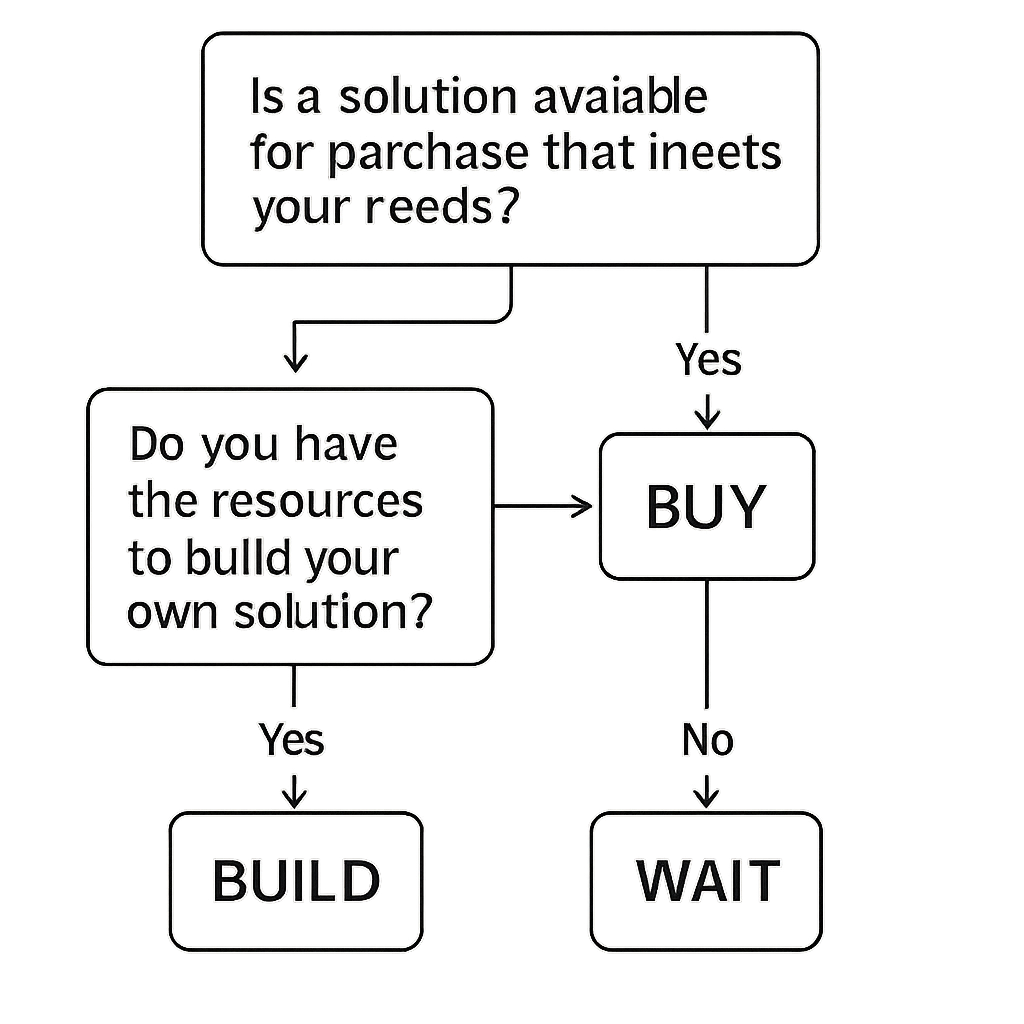
Should You Build, Buy, or Wait for Activity History That a New Hire Can Trust?
The decision to build, buy, or wait for an activity history that a new hire can trust depends on your business’s size, needs, and resources. Each approach has unique pros and cons.
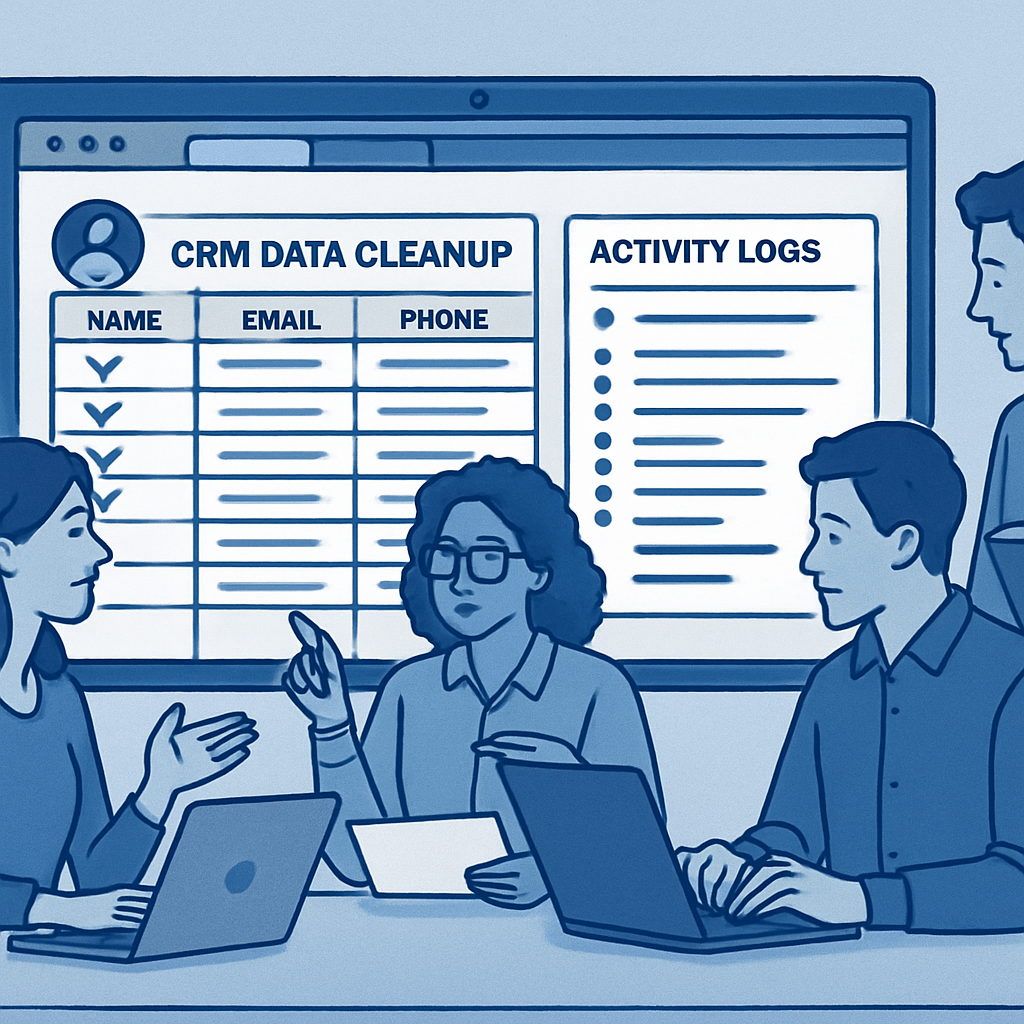
Building Your Own Solution
Building a custom CRM or activity tracking system offers complete control. You can tailor every field, workflow, and rule to your business. This is ideal for organizations with complex processes or unique compliance needs.
However, it requires significant technical expertise and ongoing maintenance. For most small businesses, the cost and complexity outweigh the benefits unless you have in-house developers.
Buying an Off-the-Shelf CRM
Commercial CRM platforms like Salesforce and HubSpot are designed to provide an activity history that a new hire can trust right out of the box. These tools offer proven duplicate contact rules, robust activity logging, and integrations with email, phone, and web forms.
Buying a CRM means faster deployment and access to ongoing updates. The trade-off is that you may need to adapt your processes to fit the tool’s workflow.
Still, for most teams, this is the fastest way to deliver reliable activity history that a new hire can trust.
Waiting: The Risks and Rewards
Sometimes, companies delay implementing a CRM or activity tracking tool, hoping for a better solution or more resources. This can be risky. Without an activity history that a new hire can trust, onboarding slows, mistakes multiply, and client relationships suffer.
Unless you have a clear reason to wait—such as a major system overhaul already planned—delaying usually costs more in lost productivity than it saves.
Evaluating Your Options
When deciding whether to build, buy, or wait for an activity history solution, consider your organization’s size, resources, and unique needs.
Building a custom system gives you full control over features and integration, but it requires significant time and technical expertise. Buying an off-the-shelf product can accelerate deployment, but may involve compromises on customization and ongoing licensing costs.
If you choose to build, start with a minimum viable product (MVP) that addresses your most pressing onboarding challenges. Expand functionality over time based on user feedback. For those considering a purchased solution, prioritize vendors with strong support, regular updates, and proven onboarding features.
- Building offers customization but demands more resources
- Buying is faster but may limit flexibility
- Waiting risks further onboarding delays and knowledge loss
- Hybrid approaches can combine custom workflows with commercial platforms
- Always factor in long-term maintenance and scalability
Trade-Offs and Pitfalls
A common pitfall is underestimating the ongoing costs of both building and buying. Maintenance, training, and updates can strain budgets if not planned for upfront. Another risk is waiting too long, which can result in lost productivity and frustrated new hires.
Hybrid solutions, such as integrating a purchased platform with custom-built modules, can offer a balance between flexibility and speed.
However, integration challenges may arise, so ensure your IT team has the necessary expertise. For a deeper dive into these trade-offs, visit our process automation consulting page.
Essential Features for an Activity History That a New Hire Can Trust
To create an activity history that a new hire can trust, your system should include several essential features:
- Comprehensive logging: Every call, email, meeting, and form fill should be automatically recorded in a single timeline for each contact or account. This prevents gaps and ensures new hires see the full picture.
- Duplicate contact management: Your CRM must have clear rules for identifying and merging duplicate contacts. Inconsistent or duplicate records undermine trust and make onboarding harder.
- User-friendly interface: New hires should be able to find and understand activity history without extensive training. Clean design and intuitive navigation are key.
- Automated reminders and follow-ups: Automated prompts help ensure that important activities are logged and nothing falls through the cracks.
- Data integrity tools: Regular audits, validation rules, and user training keep your activity history that a new hire can trust accurate and up to date.
Many commercial CRMs, such as those from Salesforce and HubSpot, offer these features out of the box [Salesforce][HubSpot]. Custom solutions can also deliver them, but require more effort to maintain.
Key Elements for Reliability and Usability
A trustworthy activity history must be both comprehensive and easy to navigate. Include timestamps for each entry, along with the responsible individual or team, so new hires can trace the evolution of processes and decisions.
This transparency helps them understand not just what was done, but why it was done that way.
Incorporate robust search and filtering capabilities. New hires often need to find specific information quickly, such as the rationale behind a process change or the steps taken during a project. Advanced search functions and well-organized tags make this possible.
- Timestamps and author attribution for every entry
- Searchable tags and categories for quick reference
- Version control to track updates or corrections
- Visual timelines or flowcharts to illustrate process evolution
- Integration with onboarding checklists and training modules
Trade-Offs in Feature Selection
While it’s tempting to include every possible feature, be mindful of complexity. Overly complicated systems can overwhelm new hires and discourage use.
Focus on features that directly support onboarding and knowledge transfer, and consider phasing in advanced capabilities as your team grows more comfortable with the system.
Security is another critical consideration. Sensitive information should be protected with role-based access controls. Balance openness with privacy to ensure new hires get the context they need without exposing confidential data.
For more on designing effective onboarding tools, check out our article on workflow automation best practices.
Key Capabilities to Prioritize
Look for solutions that support granular permissions, so sensitive information is only visible to those who need it. Automated data capture reduces manual entry errors and ensures that activity logs remain up to date.
Integrations with communication and project management tools can further streamline the process, allowing updates to be recorded wherever work happens.
- Customizable templates for different roles or departments
- Search and filter functions for quick information retrieval
- Audit trails to verify who made changes and when
- Mobile access for remote or hybrid teams
- Alerts for missing or incomplete entries
Be mindful that overcomplicating the system with too many features can overwhelm users. Focus on core needs first, then expand functionality as your team becomes more comfortable with the platform.
How to Maintain an Activity History That a New Hire Can Trust
Even the best CRM can only provide an activity history that a new hire can trust if it’s maintained properly. Here’s how to keep your records reliable:
- Regular CRM data cleanup before automation: Schedule periodic reviews to merge duplicates, fix incomplete records, and archive outdated contacts. This is essential before automating any workflows.
- Clear duplicate contact rules in a small business CRM: Define and enforce rules for creating, merging, and updating contacts. Make sure everyone on your team understands these rules.
- Consistent logging of calls and form fills in one record: Train your team to log every interaction in the correct place. Automate this where possible to reduce manual errors.
- Ongoing user training: New hires and veterans alike need regular refreshers on CRM best practices. This keeps your activity history that a new hire can trust accurate over time.
- Leverage automation tools: Use features like automated reminders, activity tracking, and workflow automation to reduce manual work and improve consistency.
By following these steps, you’ll create an environment where every new hire can trust the activity history, make better decisions, and contribute faster.
Ongoing Maintenance Strategies
Maintaining a reliable activity history requires a proactive approach. Schedule regular audits to ensure records remain accurate and relevant. Assign specific team members to review and update entries, and rotate this responsibility periodically to encourage shared ownership.
Leverage automation where possible. Set up notifications for process changes or project milestones that trigger reminders to update the activity history. Automated workflows can reduce manual effort and minimize the risk of outdated information lingering in your records.
- Establish a quarterly review schedule for documentation
- Use automated alerts to prompt updates after key events
- Encourage team members to log changes in real time
- Designate a documentation champion to oversee quality
- Solicit feedback from new hires to identify missing or unclear information
Common Pitfalls and How to Avoid Them
One major pitfall is neglecting to update the activity history after significant changes. This can lead to confusion for new hires and erode their trust in the documentation. To prevent this, integrate update prompts into your project management or workflow tools.
Another risk is allowing documentation to become siloed within departments. Foster a culture of transparency by making the activity history accessible across teams, while still respecting privacy and security requirements. Regular cross-team check-ins can help maintain alignment and consistency.
If you need help automating your documentation processes, our digital transformation services can provide tailored solutions.
Best Practices for Ongoing Maintenance
Establish a routine for reviewing and updating activity records, such as monthly audits or after major project milestones. Assign responsibility to specific team members to ensure accountability and prevent lapses in documentation. Encourage a culture where everyone contributes updates, not just managers or administrators.
- Use checklists to standardize what gets recorded
- Provide training refreshers to reinforce best practices
- Monitor for outdated or irrelevant entries
- Solicit input from new hires on usability and clarity
- Set up automated reminders for regular updates
Neglecting maintenance can quickly erode trust in the system. If new hires encounter missing or conflicting information, they may lose confidence and revert to less efficient methods of tracking their progress.
Frequently Asked Questions About Activity History That a New Hire Can Trust
What is activity history in a CRM context?
Activity history refers to the recorded interactions such as calls, emails, and form submissions associated with contacts or accounts within a CRM system.
Why is accurate activity history important for new hires?
It helps new hires quickly understand past interactions, improving their ability to engage clients effectively and reducing onboarding time.
What are the challenges of building a custom activity history solution?
Challenges include high development costs, technical complexity, ongoing maintenance, and the need to ensure data accuracy and integration.
Can off-the-shelf tools handle duplicate contact rules effectively?
Many commercial tools include features to detect and manage duplicate contacts, but effectiveness varies by vendor and may require configuration.
Is it advisable to delay implementing activity history tools?
Delaying can risk onboarding inefficiencies and lost productivity, but may be strategic if waiting for better technology or resources.
Ready to Build an Activity History That a New Hire Can Trust?
Don’t let onboarding slow your growth. Book a free call to discuss how AutomateSTL can help you create an activity history that a new hire can trust.
Book your free consultation now.
Getting Started: Steps to Take Now
If you’re ready to create an activity history that inspires confidence in your new hires, begin by assessing your current documentation and process tracking.
Identify gaps where information is missing or unclear, and prioritize areas that most impact onboarding. Engage with recent hires to gather feedback on what information would have made their transition smoother.
Consider forming a cross-functional team to oversee the project. This group should include representatives from HR, IT, and department leads who understand the day-to-day workflows. Assign clear roles and responsibilities to ensure accountability throughout the process.
- Conduct a documentation audit to find missing or outdated records
- Interview recent new hires for insight into onboarding pain points
- Choose a digital platform or tool for centralized activity tracking
- Set up regular review cycles to keep records current
- Train team members on updating and accessing the activity history
Pitfalls to Avoid
One common pitfall is underestimating the time and effort required to maintain accurate activity histories. Without dedicated resources, documentation can quickly become outdated, undermining trust. Another risk is failing to standardize entries, which leads to inconsistent information that confuses new employees.
To avoid these issues, establish clear guidelines for what should be recorded and how. Use templates and checklists to promote consistency. Regularly review your process and solicit feedback from both new and experienced team members to identify areas for improvement.
For further guidance, explore our process automation consulting services to streamline your documentation workflows and ensure your activity history remains reliable.
Steps to Get Started
Begin by mapping out your current onboarding process and identifying where gaps in activity tracking exist. Collaborate with team leads to determine which milestones and tasks are most critical for new hires to see.
Consider piloting your activity history solution with a small group of recent hires to gather feedback and refine the process before a full rollout.
- Review your existing documentation and workflows
- Consult with IT to ensure data security and accessibility
- Set clear goals for what the activity history should achieve
- Train managers on how to update and maintain records
- Schedule regular check-ins to assess adoption and effectiveness
Remember, building trust starts with transparency and consistency. Make sure new hires know how to access their activity history and who to contact if they notice discrepancies. This proactive approach can help prevent confusion and foster a sense of ownership from day one.