
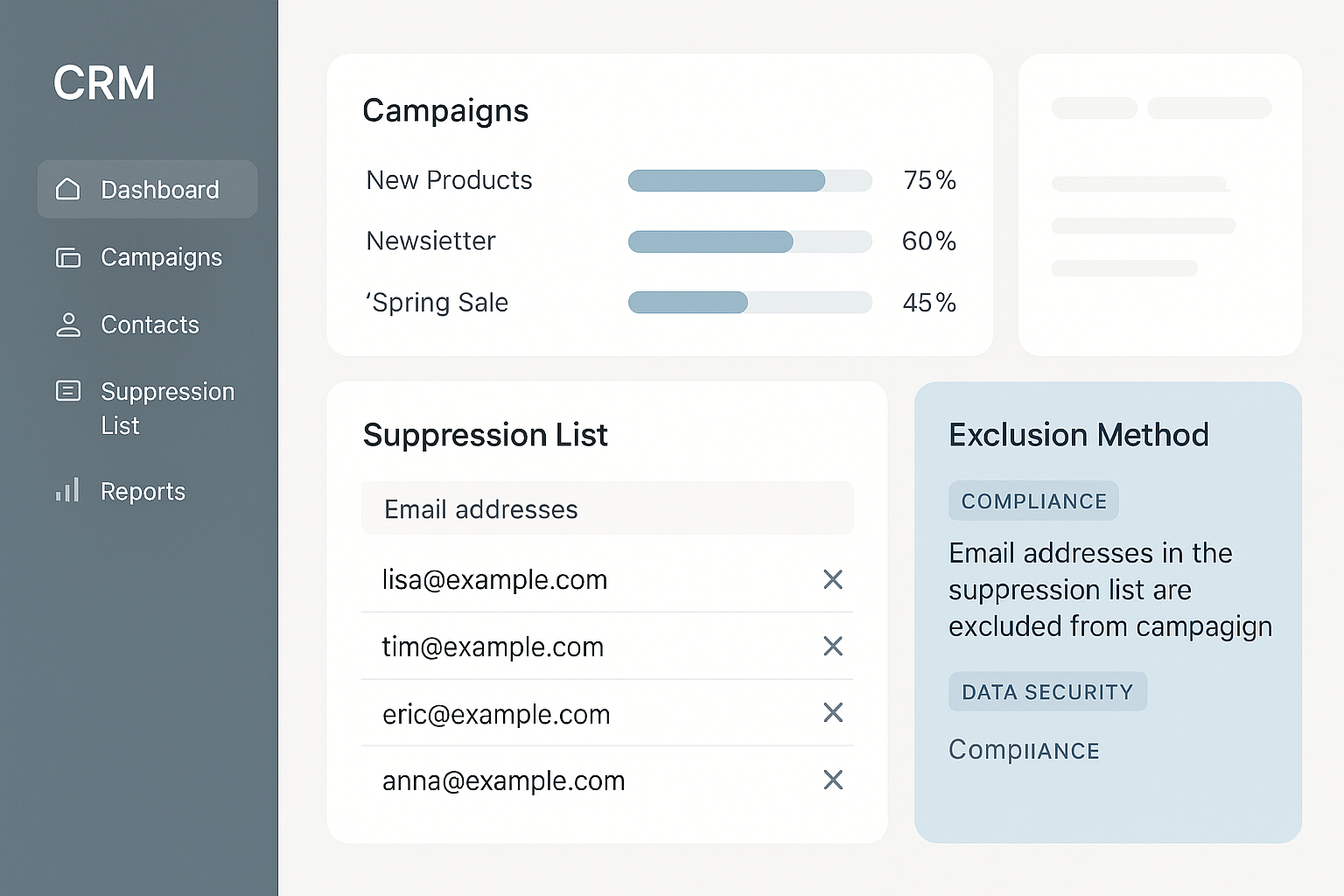
Keeping suppression lists in the CRM is more than just a technical detail—it's a proven way to protect your sender reputation and stay compliant with email regulations. Many businesses overlook this step, only to face costly mistakes and deliverability issues down the line.
By centralizing suppression list management, you reduce the risk of sending unwanted emails, simplify compliance, and make your marketing more effective. This article covers the costs, risks, and answers to common questions about keeping suppression lists in the CRM.
What Are Suppression Lists and Why Keep Them in Your CRM?
Suppression lists are collections of email addresses that should never receive your marketing or transactional messages. These lists typically include people who have unsubscribed, reported your emails as spam, or whose addresses have bounced repeatedly.
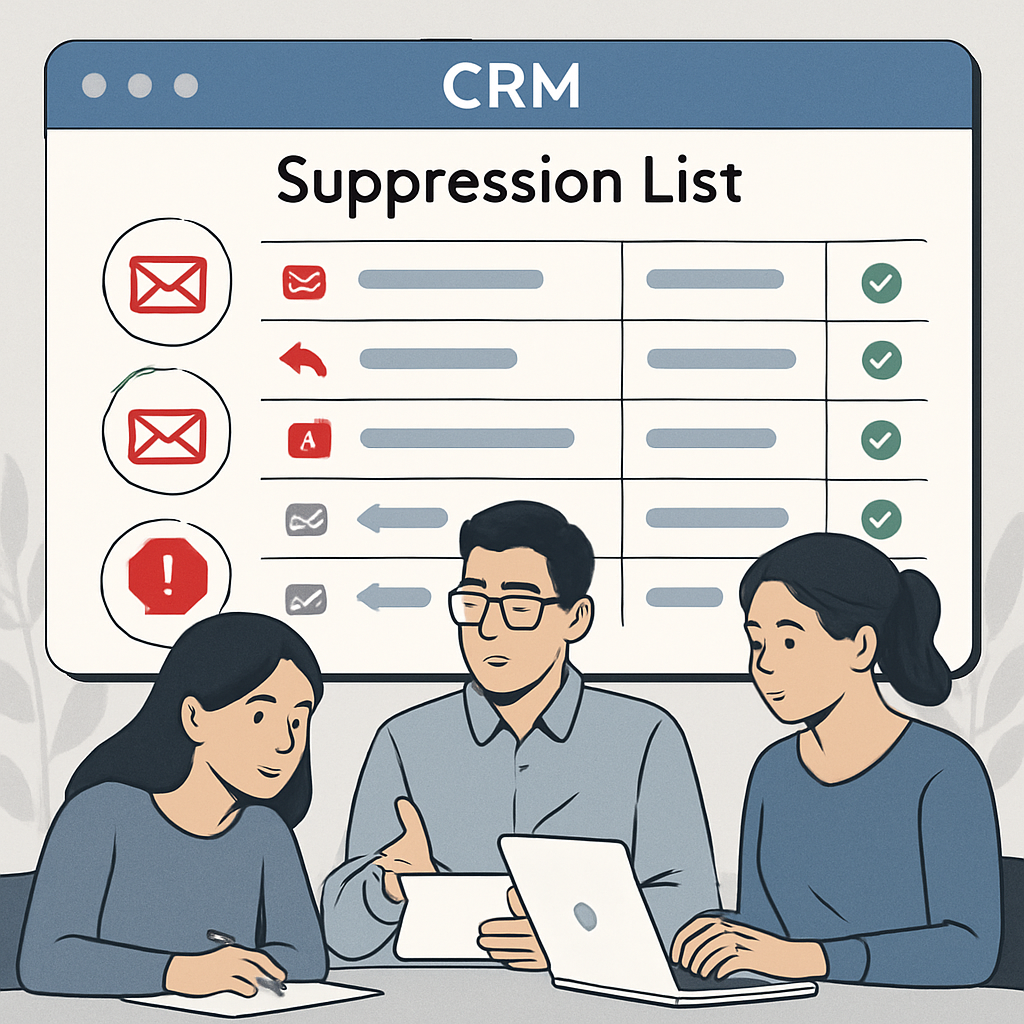
By keeping suppression lists in the CRM, you centralize control and reduce the risk of accidental sends to these contacts.
Failing to honor suppression lists can have serious consequences. Accidentally emailing unsubscribed users or invalid addresses may result in complaints, blacklisting, or regulatory fines.
Integrating these lists directly into your CRM reduces the risk of sending emails to unsubscribed or invalid addresses, protecting both your brand and deliverability.
Benefits of Centralized List Management
When you manage suppression lists within your CRM, your team gains a single source of truth. This approach helps avoid discrepancies between different platforms and ensures compliance with privacy regulations like CAN-SPAM and GDPR.
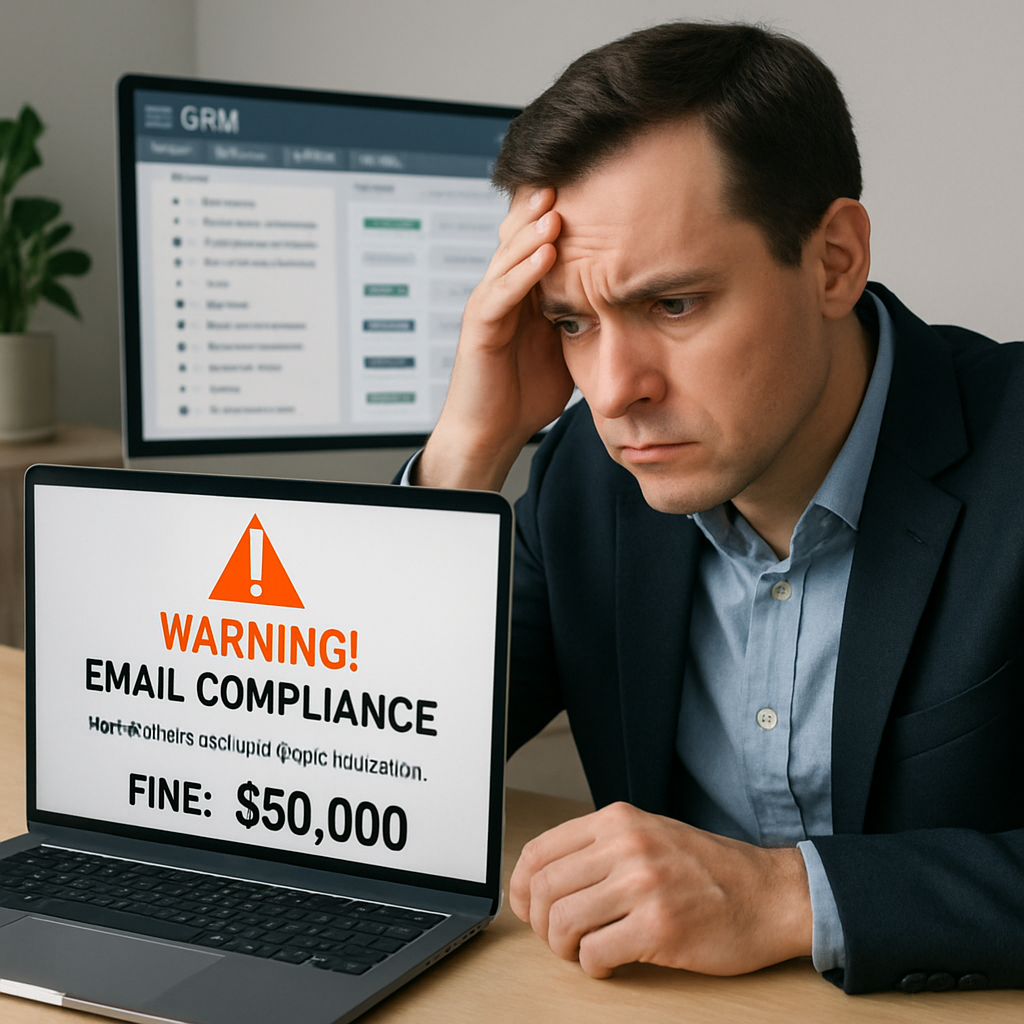
Regularly updating suppression lists helps maintain compliance with email laws such as CAN-SPAM and GDPR (FTC business guidance).
Here’s why keeping suppression lists in the CRM is a smart move:
- Prevents duplicate or conflicting records across marketing tools
- Simplifies compliance audits and reporting
- Reduces manual errors by automating exclusions
- Makes it easy to honor opt-outs across all campaigns
- Supports better segmentation and targeting for future outreach
Sending emails beyond provider limits can damage your domain’s reputation and cause blacklisting (Google support). By leveraging your CRM’s suppression list features, you minimize this risk and ensure that only the right recipients get your messages.
Keeping suppression lists in the CRM also streamlines collaboration between marketing and compliance teams, as everyone works from the same up-to-date data.
Ultimately, integrating suppression management with your CRM isn’t just about convenience—it’s about protecting your sender reputation, maintaining legal compliance, and building trust with your audience. This proactive step can save your business from costly mistakes and preserve long-term email effectiveness.
The Costs of Not Keeping Suppression Lists in the CRM
Failing to prioritize keeping suppression lists in the CRM can have significant financial and reputational consequences. When suppression lists are scattered across multiple platforms or handled manually, the risk of sending emails to unsubscribed or invalid addresses increases.
This can result in regulatory fines, blacklisting, and a damaged sender reputation, all of which can be costly to resolve.
Beyond regulatory risks, operational costs also rise. Teams may spend hours reconciling lists, cleaning up data, and responding to complaints.
These inefficiencies slow down marketing efforts and can lead to lost opportunities. By keeping suppression lists in the CRM, you streamline operations and reduce the risk of costly mistakes.
Additionally, when suppression lists are not centralized, it becomes harder to track compliance and demonstrate due diligence during audits.
This lack of transparency can create further complications if your business is ever investigated for email practices. Keeping suppression lists in the CRM is a practical step that saves time, money, and stress.
How Suppression Lists Support Daily Outbound List Building
Building a daily outbound list without buying junk data is a challenge many businesses face.
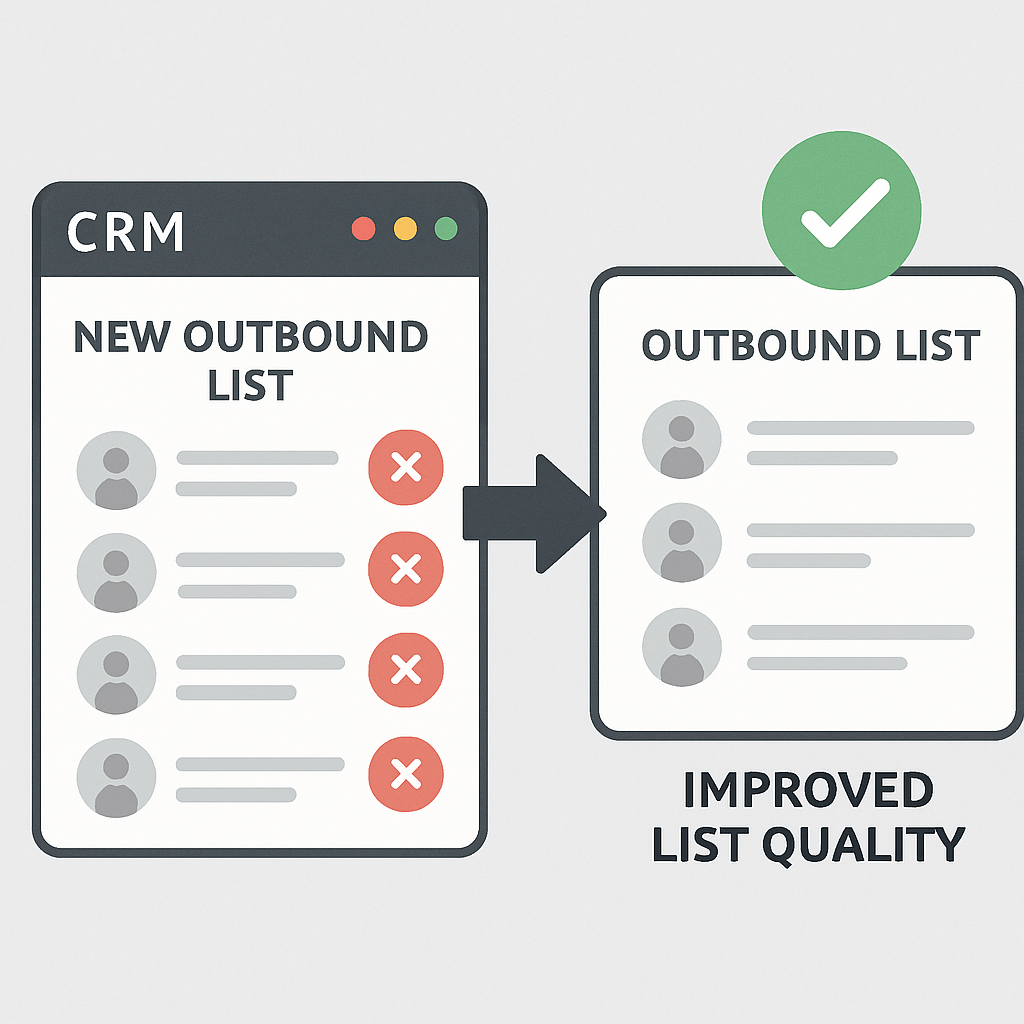
By keeping suppression lists in the CRM, you ensure that every new outreach list automatically excludes contacts who have opted out, bounced, or previously complained. This not only protects your brand but also improves the quality of your outbound campaigns.
Suppression lists help you focus on high-quality, engaged prospects. When you build lists organically and cross-reference them with your CRM’s suppression data, you avoid the pitfalls of purchased or outdated lists. This approach leads to better engagement rates and fewer deliverability issues.
Keeping suppression lists in the CRM also allows for more sophisticated segmentation. You can easily filter out suppressed contacts when creating new campaigns, ensuring that your messaging reaches only those who are most likely to respond. This targeted approach supports sustainable growth and long-term success.
Integrating Suppression Lists into List Building Workflows
Suppression lists play a crucial role in daily outbound list building by ensuring that your team does not inadvertently target contacts who have opted out or bounced previously.
Begin each list-building session by syncing your suppression list with your prospecting tools. This can be automated using CRM integrations or performed manually for smaller teams.
When sourcing new leads, cross-reference them against your suppression list before adding them to your outreach sequence.
Many CRM systems allow you to upload or reference suppression lists as part of the import process. This prevents duplicate outreach and helps maintain compliance with regulations like CAN-SPAM and GDPR.
- Sync suppression lists before each list-building session
- Cross-reference new leads against suppression data
- Use CRM import tools to filter suppressed contacts
- Automate suppression checks where possible
- Document list-building procedures for consistency
Example: Daily List Building in Action
Imagine your team sources 200 new leads daily. Before uploading these leads to your CRM, you run an automated check against your suppression list.
The system flags 15 contacts who previously unsubscribed, and these are automatically excluded from the campaign. This process not only protects your sender reputation but also saves time by preventing manual review.
If you use a tool like Salesforce or HubSpot, set up workflows that automatically check new contacts against suppression lists during import. For smaller teams, a simple spreadsheet comparison can suffice, though this requires more manual effort and vigilance.
Trade-Offs and Pitfalls
Automating suppression checks streamlines list building but can introduce complexity. If your suppression list is not updated in real time, there is a risk of missing recent opt-outs.
To avoid this, schedule frequent syncs between your CRM and email platform, and assign responsibility for monitoring sync status.
Another pitfall is over-filtering, where overly broad suppression criteria exclude valid prospects. Regularly review your suppression logic and adjust as needed to balance compliance with outreach goals.
For more on integrating suppression lists with your daily workflow, visit our CRM automation services page or read our article on building compliant outbound lists.
Email Sending Limits and Domain Protection
Email sending limits that protect a domain are an important consideration for any business. Most providers set daily or hourly limits to prevent spam and protect sender reputations.
By keeping suppression lists in the CRM, you reduce the risk of exceeding these limits by avoiding unnecessary sends to suppressed contacts.
When you accidentally send emails to suppressed addresses, you not only waste valuable sending capacity but also risk triggering spam filters and damaging your domain’s reputation. Keeping suppression lists in the CRM ensures that every email sent counts toward your goals, not against them.
Additionally, automated suppression management helps you stay within provider guidelines and avoid penalties. This proactive approach is essential for maintaining a healthy sending reputation and ensuring that your emails reach the inbox.
Understanding Sending Limits and Their Impact
Every email service provider enforces sending limits to prevent spam and protect sender reputation. These limits can vary based on your domain age, sending history, and provider policies. Exceeding these thresholds can result in throttled delivery or even temporary suspension of your sending privileges.
To stay within safe boundaries, calculate your average daily send volume and compare it to your provider’s published limits.
Factor in all outbound campaigns, including automated sequences and one-off blasts. If your volume approaches the threshold, stagger your sends or segment your audience to avoid triggering provider alarms.
- Know your provider’s daily and hourly send limits
- Monitor your average send volume
- Stagger campaigns to avoid spikes
- Segment audiences for targeted outreach
- Track deliverability metrics closely
Domain Protection Strategies
Protecting your sending domain involves more than just staying under limits. Implement domain authentication protocols like SPF, DKIM, and DMARC to signal legitimacy to recipient servers. Regularly monitor your domain’s reputation using tools such as Google Postmaster Tools or Sender Score.
Consider using dedicated sending domains for cold outreach. This isolates your main business domain from potential deliverability issues. If a dedicated domain’s reputation suffers, it won’t impact your transactional or customer communication emails.
Worked Example: Managing Limits in Practice
Suppose your provider allows 2,000 emails per day. You plan a campaign to 1,800 contacts, but also have automated follow-ups scheduled.
To avoid exceeding the limit, schedule the campaign over two days and monitor real-time send counts. If you notice bounces increasing, pause the campaign and investigate before resuming.
Pitfalls and Trade-Offs
A common pitfall is failing to account for all email sources, such as CRM-triggered alerts or marketing newsletters, which can push you over the limit unexpectedly.
Another risk is using a single domain for all outreach, which concentrates risk and can lead to widespread deliverability problems if blacklisted.
Balancing deliverability and outreach volume requires ongoing monitoring and flexibility. Regularly review your sending practices and adjust as your list size and campaign cadence evolve.
For more tips, see our email automation services or our article on protecting your sender reputation.
Stop Conditions for Cold Email Outreach
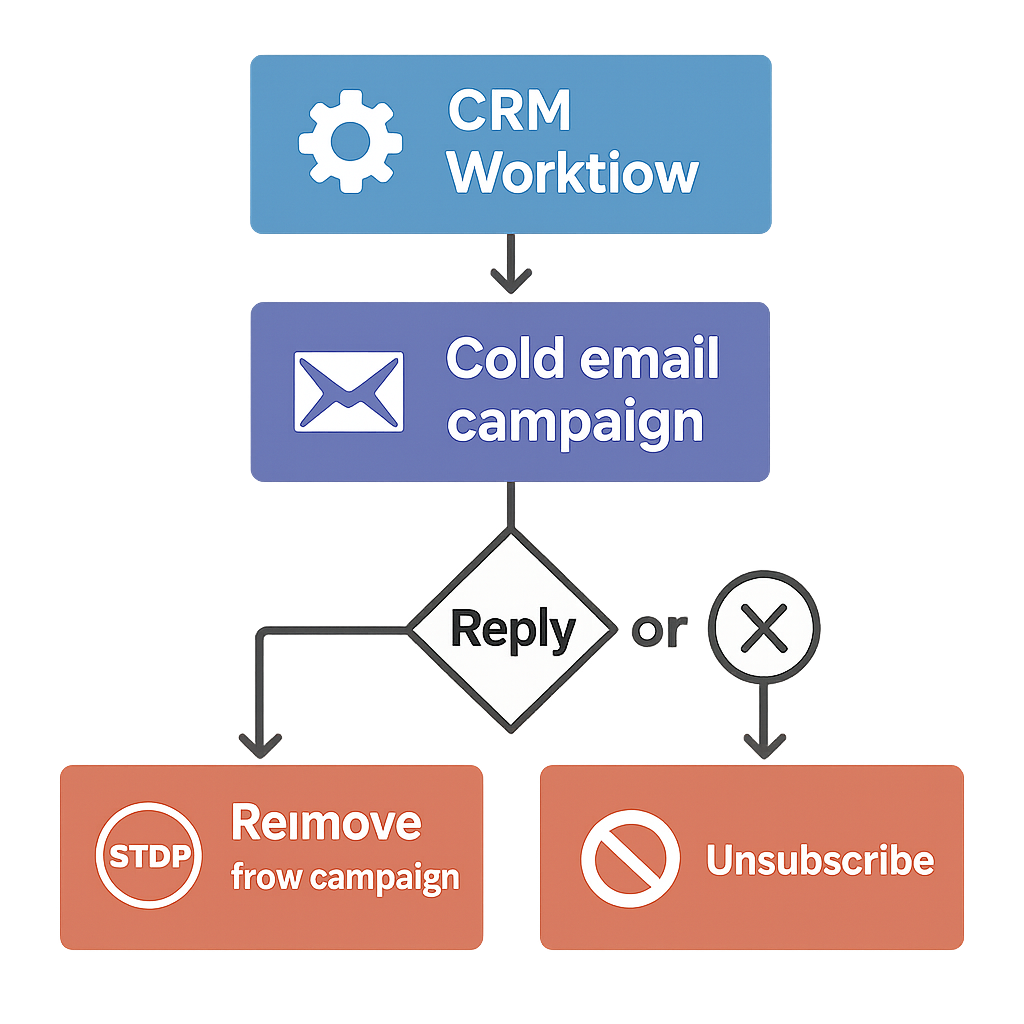
Stop conditions for cold email when someone replies are a critical part of any outreach strategy. By keeping suppression lists in the CRM, you can automate the process of removing contacts from future campaigns as soon as they respond, unsubscribe, or trigger an automated reply.
This automation reduces the risk of over-emailing and ensures that your outreach remains respectful and compliant. It also helps you track which contacts have engaged, allowing you to focus follow-up efforts on the most promising leads.
Keeping suppression lists in the CRM makes it easy to implement and enforce stop conditions across all campaigns. This not only protects your sender reputation but also improves the overall effectiveness of your outreach.
Defining and Implementing Stop Conditions
Stop conditions are essential for maintaining compliance and protecting your sender reputation. Start by defining clear rules for when to halt outreach to a contact.
Common triggers include receiving an unsubscribe request, a hard bounce, or a spam complaint. Document these triggers in your CRM playbook so your team knows exactly what to look for.
To implement stop conditions effectively, configure your CRM to automatically flag or remove contacts when a stop condition is met.
This can be achieved through workflow automation or by integrating your CRM with your email platform. Ensure that these automations are tested regularly to catch any failures before they impact your campaigns.
- Define triggers such as unsubscribes, bounces, and complaints
- Document stop conditions in your CRM playbook
- Automate flagging or removal of affected contacts
- Test automations regularly
- Train your team on stop condition protocols
Examples of Stop Condition Workflows
Suppose your CRM is integrated with your email platform. When a recipient clicks an unsubscribe link, the email platform notifies the CRM, which then automatically adds the contact to the suppression list.
If a hard bounce occurs, the CRM flags the contact and prevents further emails. These workflows minimize manual intervention and reduce the risk of accidental outreach to suppressed contacts.
Another example involves using lead scoring. If a contact’s engagement score drops below a certain threshold after multiple ignored emails, your CRM can automatically pause outreach. This not only respects the recipient’s preferences but also helps your team focus on more promising leads.
Trade-Offs and Pitfalls in Stop Condition Management
While automation streamlines stop condition enforcement, it can sometimes result in false positives. For instance, a temporary email delivery issue might trigger a hard bounce, leading to unnecessary suppression.
To mitigate this, set up a review process for borderline cases or allow for manual overrides with proper documentation.
Additionally, over-reliance on automation may cause your team to overlook nuanced situations, such as a contact who wants to pause emails rather than opt out entirely. Regularly review your stop condition logic to ensure it aligns with your business goals and compliance requirements.
For more on automating stop conditions, check out our sales automation solutions or read our guide to cold email compliance.
Frequently Asked Questions About Keeping Suppression Lists in the CRM
Why is it important to keep suppression lists updated in the CRM?
Keeping suppression lists updated ensures you do not send emails to unsubscribed or invalid addresses, protecting your sender reputation and complying with email regulations.
Can suppression lists be synced automatically between CRM and email platforms?
Yes, many CRM systems support automatic syncing of suppression lists with email marketing tools to maintain consistent data and prevent sending errors.
What are the risks of not using suppression lists in cold email campaigns?
Without suppression lists, you risk sending emails to recipients who have opted out or have bounced, which can lead to domain blacklisting and legal penalties.
How often should suppression lists be reviewed and cleaned?
Suppression lists should be reviewed and cleaned regularly, ideally weekly or monthly, depending on email volume and campaign frequency.
What stop conditions should be set for cold email outreach?
Stop conditions typically include any reply from the recipient, unsubscribe requests, and automated responses like out-of-office messages.
Is it better to build outbound lists organically rather than buying data?
Yes, building outbound lists organically ensures higher quality contacts, better engagement, and reduces risks associated with junk or unverified data.
Take Control of Your Suppression Lists Today
Ready to simplify compliance and protect your brand? Schedule a free consultation to see how AutomateSTL can help you with keeping suppression lists in the CRM.
Practical Steps to Gain Suppression List Mastery
To truly take control of your suppression lists, begin by auditing your current CRM setup. Identify where suppression data is stored and how it is accessed by your sales and marketing teams.
Ensure that your CRM’s permission settings restrict suppression list editing to authorized users only, reducing the risk of accidental changes.
Next, establish a regular review cadence. Assign a team member to check suppression list accuracy weekly.
This process should include cross-referencing recent opt-outs, bounces, and complaints from your email platform with the CRM’s suppression records. If discrepancies arise, investigate their source and update your process documentation accordingly.
- Audit suppression list storage locations in your CRM
- Restrict editing permissions to key personnel
- Schedule weekly suppression list reviews
- Cross-reference with email platform data
- Update process documentation after each review
Integrating Suppression Lists with Automation
Automating suppression list updates can save significant time and reduce errors. Consider integrating your CRM with your email sending platform using a tool like Zapier or a custom API connection.
This allows opt-outs and bounces to flow directly into your CRM’s suppression list in real time, ensuring no manual entry is missed.
When setting up automation, test the workflow with a small batch of contacts first. Monitor for duplicate entries or missed updates, and refine your automation rules as needed. Document each step of the integration for future reference and onboarding.
Pitfalls to Avoid When Managing Suppression Lists
One common pitfall is neglecting to back up your suppression list data. Always maintain a secure backup, ideally stored separately from your primary CRM.
Another risk is failing to communicate suppression list changes to all stakeholders. Use internal notifications or workflow triggers to alert your team when updates occur.
Finally, be cautious about merging CRM records. Merging can inadvertently remove suppression flags if not handled carefully. Always review merged records for suppression status and correct any issues immediately.
For more detailed guidance, visit our CRM automation services page or explore our article on email deliverability best practices.