
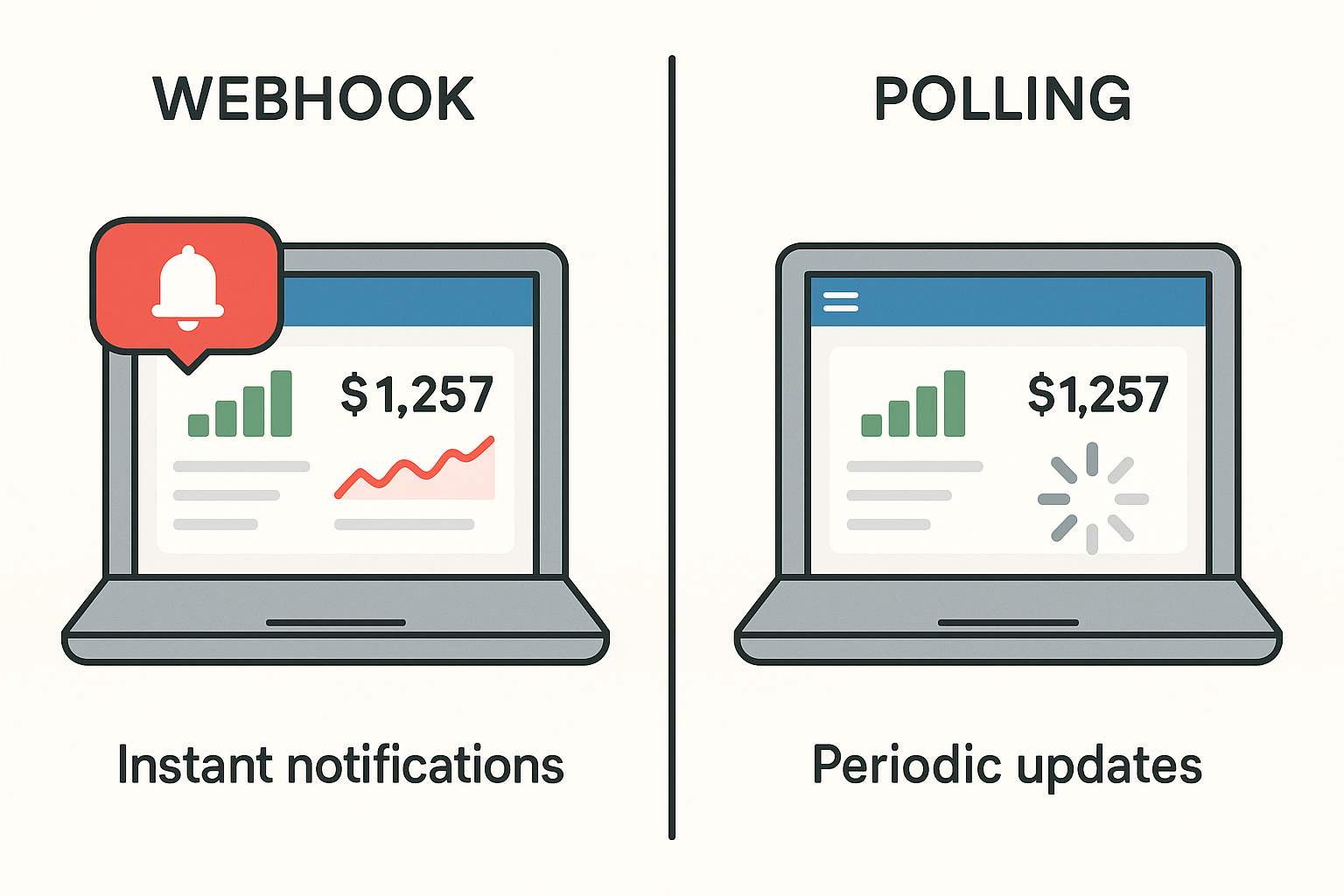
Choosing the right automation strategy can transform how your small business operates. When comparing webhook versus polling for small business tools, the decision impacts not just speed, but also reliability and how much manual effort your team needs to invest.
Many business owners struggle with busywork caused by inefficient integrations. Understanding the difference between webhook versus polling for small business tools helps you avoid unnecessary delays and keeps your workflows running smoothly.
Understanding Webhooks and Polling: Key Differences
When considering webhook versus polling for small business tools, it's helpful to start with clear definitions. Webhooks are automated messages sent from one app to another when something happens, instantly delivering data.
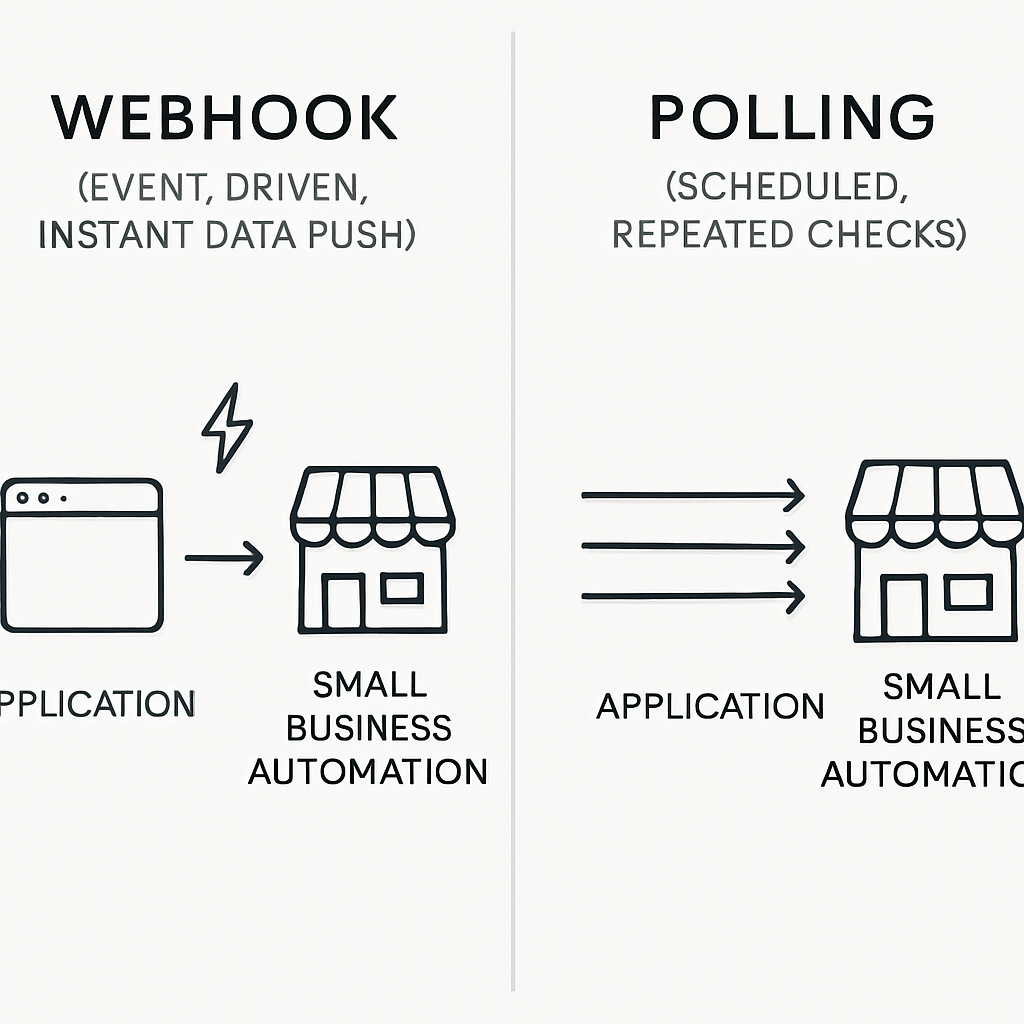
Polling, on the other hand, involves one system repeatedly checking another at set intervals to see if new data is available (Wikipedia).
Webhooks are event-driven, so they only act when necessary. Polling is schedule-driven, which means it checks on a regular basis, regardless of whether there's new information. This difference impacts both system performance and how quickly your tools react to changes.
How Each Approach Impacts Business Operations
Webhooks push data instantly, making them ideal for scenarios where real-time updates matter. For example, if a customer fills out a form, webhooks can immediately notify your CRM.
Polling introduces a delay, since it waits for the next scheduled check, which may be every few minutes or even hours.
The choice between webhook versus polling for small business tools also affects resource usage. Webhooks are generally more efficient because they reduce unnecessary API calls and server load (Wikipedia). Polling can create extra traffic, especially if frequent checks are needed, potentially slowing down your systems.
Here are some key considerations when choosing between the two:
- Webhooks require the source app to support outbound notifications
- Polling works even if webhooks aren't available
- Webhooks minimize latency for faster data sync
- Polling is simpler to set up in basic environments
- Webhooks can be more complex to troubleshoot
Polling is sometimes more reliable for legacy systems or platforms that do not support webhooks (RFC 7231). However, proper error handling is crucial for both methods to minimize manual intervention and downtime (n8n error handling guide).
Ultimately, evaluating webhook versus polling for small business tools means balancing speed, reliability, and technical compatibility. Each approach has its strengths, and the right choice depends on your workflow priorities and the capabilities of your software stack.
Practical Considerations for Implementation
When deciding between webhooks and polling, consider the technical constraints of your tools. Some platforms may only support polling, requiring you to schedule regular checks for new data. Others offer webhook endpoints, allowing for real-time data delivery but often requiring more complex initial setup.
- Webhooks require publicly accessible endpoints, which may need extra security measures.
- Polling can increase API usage costs if not carefully throttled.
- Webhooks may be missed if the receiving server is temporarily offline.
For example, integrating a payment processor with your invoicing tool might be easier with webhooks for instant notifications. However, if your CRM only supports polling, you’ll need to balance check frequency with system load.
When to Use n8n Instead of a Spreadsheet
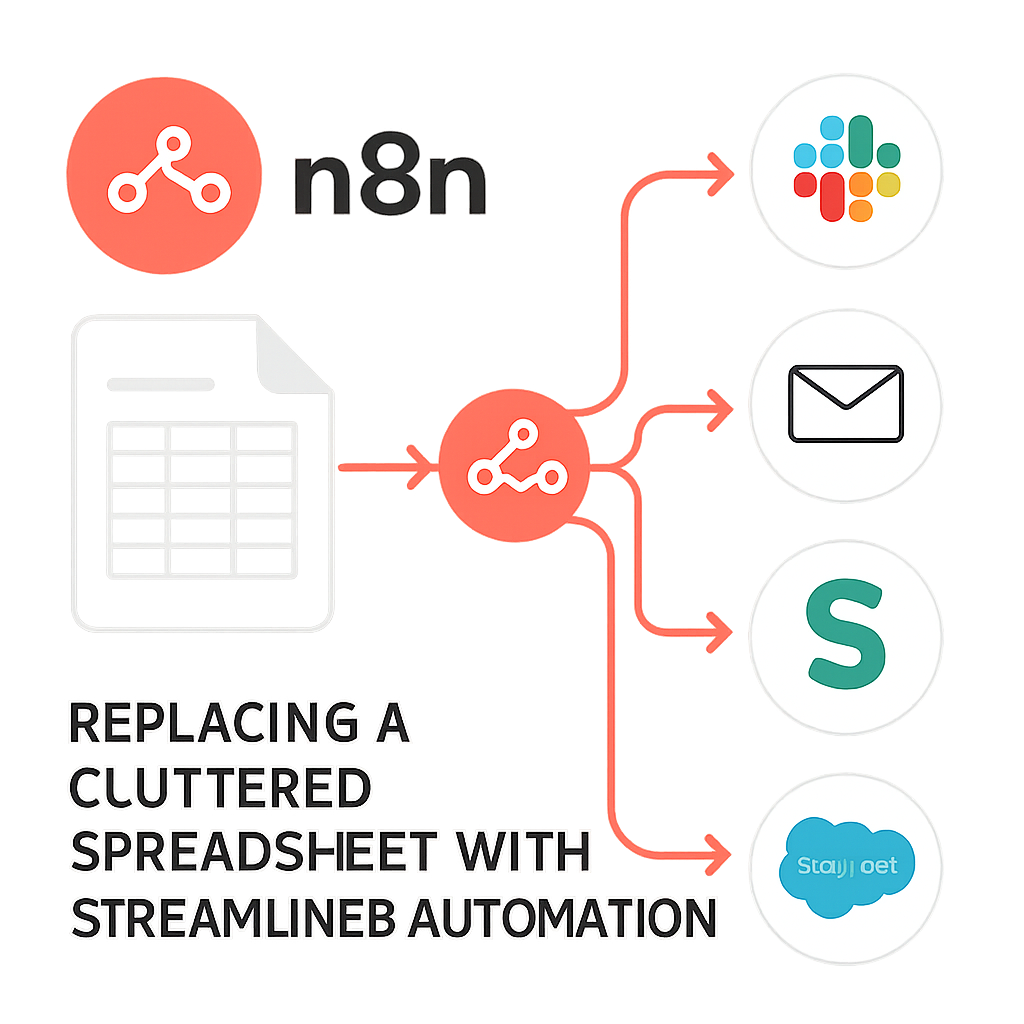
For many small businesses, spreadsheets are the default tool for tracking leads, managing tasks, or even triggering automations. But as your needs grow, spreadsheets can become a bottleneck—especially when using polling to check for changes. This is where n8n shines.
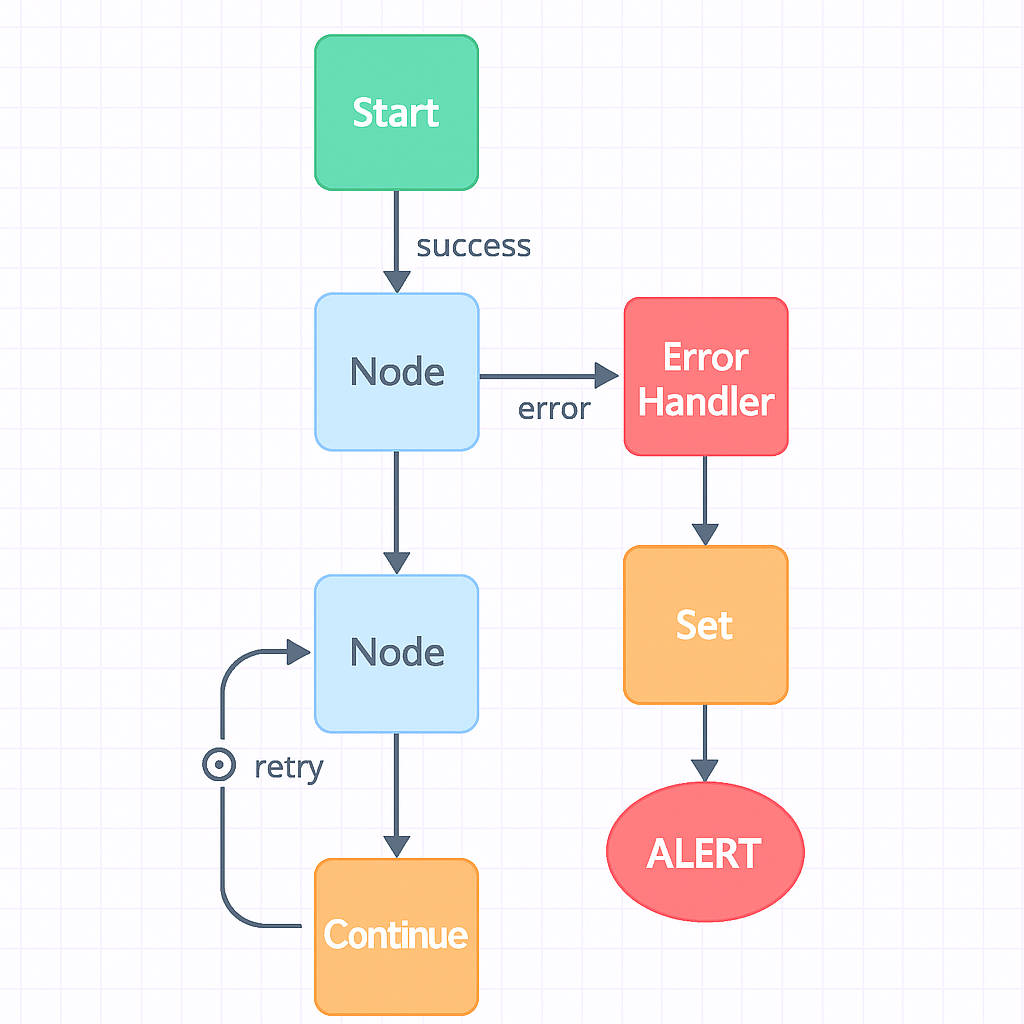
n8n is a workflow automation tool that supports both webhook and polling triggers. It enables you to centralize your automations and connect a wide range of business tools without the limitations of spreadsheet-based triggers.
With n8n, you can set up webhook-based automations for instant updates or use polling when a tool doesn’t support webhooks.
Switching from spreadsheets to n8n for automation reduces busywork, improves reliability, and makes it easier to scale your processes. You’ll spend less time troubleshooting and more time focusing on what matters—growing your business.
Deciding Between Automation and Manual Tracking
Spreadsheets are familiar and flexible, but they quickly become unwieldy as your business grows. If you find yourself spending hours copying data between sheets, reconciling versions, or troubleshooting formula errors, it's time to consider n8n.
Automation platforms like n8n can handle repetitive tasks, enforce data consistency, and integrate with your other business tools, freeing your team to focus on higher-value work.
One common scenario is tracking leads or sales opportunities. In a spreadsheet, it's easy to lose track of follow-ups or miss updates when multiple people are editing the file.
With n8n, you can automatically log new leads from your website, assign them to the right team member, and send reminders for follow-up—all without manual intervention.
Another advantage of n8n is its ability to enforce business rules. For example, you can set up workflows that validate data before it's added to your CRM, ensuring that only complete and accurate records are created.
This reduces the risk of errors and saves time on data cleanup later.
However, there are trade-offs to consider. Setting up automations requires an upfront investment of time and expertise, and not every process is worth automating.
For ad hoc analysis or one-off projects, a spreadsheet may still be the fastest solution. But for recurring tasks that are prone to error or require integration with other systems, n8n is the clear winner.
- Use n8n for repetitive, multi-step processes
- Automate data validation and business rule enforcement
- Integrate with other tools for seamless workflows
- Reserve spreadsheets for ad hoc or one-time tasks
- Weigh setup effort against long-term efficiency gains
Explore more about the transition from spreadsheets to automation in our blog post on workflow automation or see how our automation services can help you make the switch.
Connecting a CRM to Email and Calendar Without Zap Sprawl
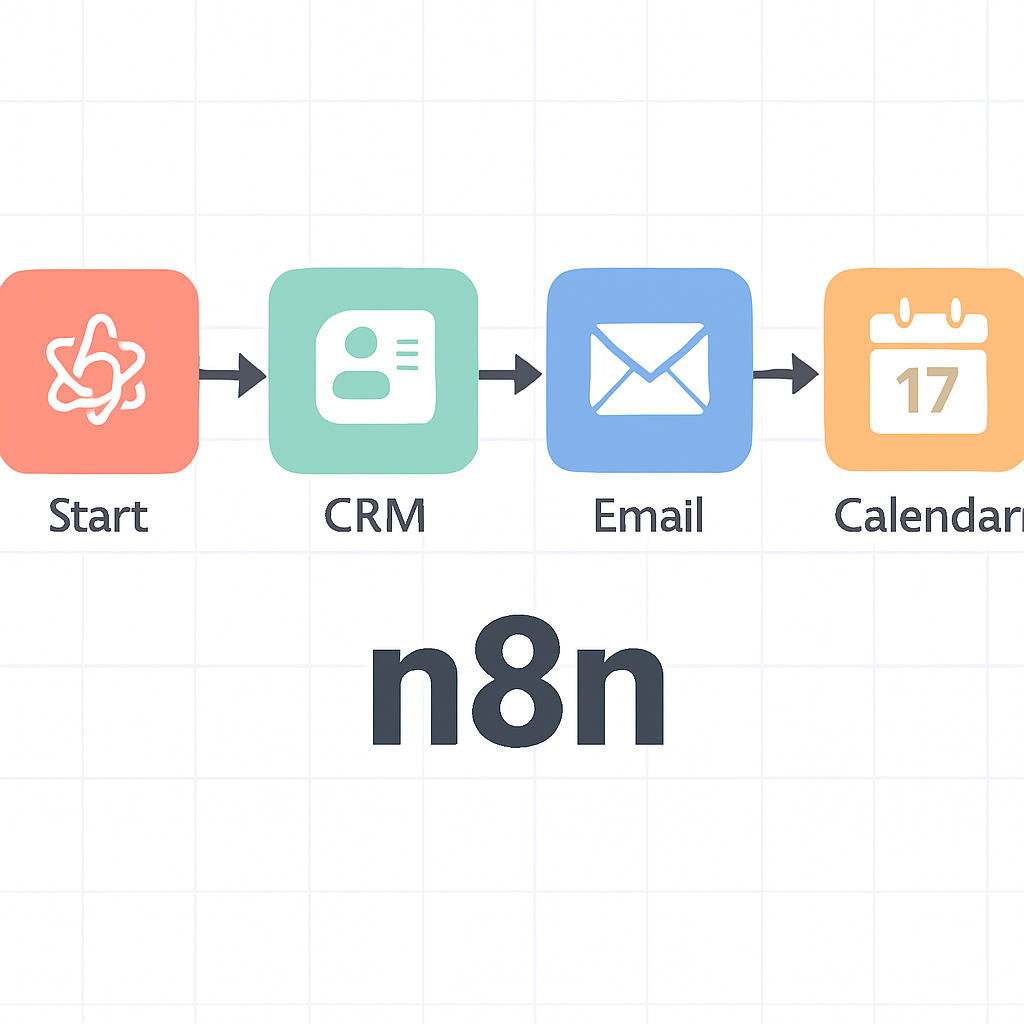
Integrating your CRM with email and calendar tools is essential for efficient client communication and scheduling. Many small businesses rely on Zapier or similar platforms, but this can quickly lead to "Zap sprawl"—a tangled web of single-purpose automations that are hard to manage.
By using n8n, you can consolidate multiple automations into a single, visual workflow. This approach lets you leverage webhook versus polling for small business tools in a way that fits your exact needs.
For example, you might use webhooks for instant lead notifications and polling for periodic calendar syncs.
Centralizing your automations reduces errors, simplifies troubleshooting, and gives you a clear overview of your business processes. It also helps you avoid the chaos of managing dozens of disconnected Zaps.
Avoiding Integration Overload: Practical Steps
When connecting your CRM to email and calendar tools, it's tempting to create a new automation for every small task. This "Zap sprawl" quickly becomes unmanageable, leading to duplicated logic, conflicting triggers, and troubleshooting headaches.
Instead, start by mapping out your end-to-end process and identifying which events truly require automation. For example, consider whether every CRM update needs to trigger an email, or if batching updates would be more efficient.
A robust approach involves building a single, centralized workflow that handles multiple related events. In n8n, you can use branching logic to process different types of CRM changes, sending emails only when specific criteria are met.
This reduces the number of automations you need to maintain and makes it easier to update logic as your business evolves.
Another common pitfall is failing to account for calendar conflicts or duplicate notifications. When syncing meetings between your CRM and calendar, add checks to prevent double-booking and ensure that reminders are only sent when necessary.
Use unique identifiers for each event to avoid creating redundant entries or missing important updates.
Security and privacy are also critical when integrating these systems. Ensure that sensitive customer data is not inadvertently exposed in calendar invites or email notifications. Implement role-based access controls and audit trails so you can track who made changes and when.
- Map out your full process before building automations
- Use centralized workflows with branching logic
- Prevent duplicate notifications and calendar conflicts
- Secure sensitive data in emails and invites
- Regularly review and update your integration logic
For more in-depth guidance, check out our CRM automation article or learn how our integration services can help you streamline your stack without the chaos of Zap sprawl.
Avoiding Redundancy and Overlap
When connecting your CRM to email and calendar tools, it's crucial to design integrations that avoid duplicating data or triggering unnecessary actions. For example, syncing all calendar events with your CRM may result in cluttered records if not filtered by relevance or event type.
- Use conditional logic to limit which emails or events are synced.
- Regularly audit your automations to remove outdated or redundant workflows.
- Group related actions in a single automation to minimize the number of integrations.
A common pitfall is creating multiple overlapping Zaps or automations that perform similar functions, leading to confusion and increased maintenance. Instead, consolidate triggers and actions where possible to maintain clarity and control.
Error Handling in a Production n8n Workflow
No automation is perfect—errors will happen. The key is to handle them gracefully so your business doesn’t grind to a halt. n8n provides robust error handling features that work with both webhook and polling triggers.
You can set up error workflows, automatic retries, and detailed logging to catch issues before they become major problems. This is especially important when using webhook versus polling for small business tools, as each method has its own failure modes.
For example, webhooks might fail if the source app is down, while polling could miss updates if the schedule is too infrequent.
By proactively managing errors, you ensure that your automations remain reliable and require minimal manual intervention. This keeps your team focused on high-value tasks instead of firefighting automation issues.
Building Resilient Automations: Error Handling Strategies
In production environments, error handling is not just a best practice—it's essential for maintaining trust and minimizing business disruption. A well-designed n8n workflow anticipates common failure points, such as network outages, API rate limits, or invalid data inputs.
By implementing error branches and fallback logic, you can ensure that your automations recover gracefully or alert the right people when intervention is needed.
For example, consider a workflow that syncs orders from your e-commerce platform to your accounting software. If the accounting API is temporarily unavailable, the workflow should retry the request after a delay or queue the data for later processing.
n8n's built-in error triggers make it easy to capture these failures and route them to a notification node, such as Slack or email, so your team can respond promptly.
Logging is another critical aspect of error handling. Maintain detailed logs of every workflow execution, including input data, output results, and any errors encountered.
This makes it much easier to diagnose issues and identify patterns that may indicate systemic problems. Store logs securely and review them regularly as part of your operational routine.
Testing your error handling logic is just as important as testing the main workflow. Simulate common failure scenarios, such as invalid credentials or missing data, to verify that your error branches behave as expected.
Document these scenarios and share them with your team, so everyone understands how the system will respond under stress.
- Use error branches for graceful recovery
- Implement retries and queuing for transient failures
- Send alerts to the right channels
- Maintain comprehensive logs for troubleshooting
- Regularly test and document error scenarios
For more advanced techniques, see our n8n workflow reliability guide or contact us about our workflow monitoring solutions.
Building Robust Error Management
Effective error handling in n8n requires anticipating both predictable and unexpected failures. For instance, if an API call fails due to rate limits, your workflow should pause and retry after a delay rather than aborting entirely.
Use the built-in error triggers to capture and log issues for later review.
- Set up notifications for critical failures to alert your team promptly.
- Implement fallback actions, such as writing failed data to a spreadsheet for manual follow-up.
- Regularly review error logs to identify recurring issues and refine your workflow.
A trade-off to consider is the complexity added by advanced error handling. While it increases reliability, it may also make workflows harder to maintain. Balance thoroughness with simplicity based on your team's expertise.
FAQ: Webhook Versus Polling for Small Business Tools
What is the main difference between webhooks and polling?
Webhooks push data to your application instantly when an event occurs, while polling involves your application regularly checking for new data at set intervals.
Can I use webhooks and polling together in the same workflow?
Yes, combining webhooks for real-time updates with polling as a fallback can improve reliability and ensure no data is missed.
Is n8n suitable for small businesses without coding experience?
n8n offers a visual workflow builder that is accessible for users with limited coding skills, though some technical familiarity helps for advanced setups.
How do I handle errors in webhook workflows?
Use n8n’s built-in error handling features like retries, error workflows, and logging to detect and respond to issues automatically.
Why avoid using spreadsheets for automation triggers?
Spreadsheets can become slow and error-prone when used as triggers for automation, especially with frequent polling, leading to busywork and delays.
Ready to Automate Without the Busywork?
If you want to streamline your business with the right balance of webhook versus polling for small business tools, book a free automation strategy call with AutomateSTL today.
Book your free automation strategy call.
How AutomateSTL Can Help You Get Started
Many small businesses hesitate to automate because they worry about complexity or losing control over their processes. At AutomateSTL, we guide you through every step, from mapping out your workflows to deploying robust automations that scale with your needs.
Our team works closely with you to identify bottlenecks and manual tasks that are ripe for automation, ensuring you see tangible improvements quickly.
We start by conducting a detailed assessment of your current tools and processes. This helps us pinpoint where automation can deliver the most value, whether that's reducing repetitive data entry, streamlining communications, or integrating disparate systems.
Our experts then design custom workflows tailored to your business goals, leveraging platforms like n8n, Make, or Zapier as appropriate.
When implementing automations, we focus on reliability and transparency. You'll have access to clear documentation and training, so your team can confidently manage and update workflows as your business evolves.
We also set up monitoring and alerting, so you know immediately if something needs attention. This proactive approach minimizes downtime and ensures your automations continue to deliver results.
For businesses unsure where to start, we offer a free consultation to discuss your unique challenges and opportunities.
During this session, we'll walk through examples of successful automations for companies like yours, highlighting both the immediate wins and the long-term benefits. Our goal is to make automation accessible, not overwhelming.
- Free workflow assessment for new clients
- End-to-end support from planning to deployment
- Ongoing monitoring and optimization
- Training sessions for your team
- Custom documentation for every solution
Want to see how automation could work for your business? Explore our automation consulting services or browse real-world examples in our blog. Let us help you eliminate busywork and focus on what matters most.
Steps to Get Started with Automation
Begin by mapping your current manual processes and identifying repetitive tasks. List out each workflow and highlight where data is transferred between tools. This will help you pinpoint the best candidates for automation and avoid unnecessary complexity.
- Start with a single, high-impact workflow before expanding.
- Document each step and expected outcome to streamline troubleshooting.
- Test automations in a sandbox environment to prevent disruptions.
Consider the trade-off between time saved and setup effort. For instance, automating lead assignment in your CRM can free up hours weekly, but may require initial configuration and ongoing monitoring. Be prepared to iterate as your business processes evolve.