
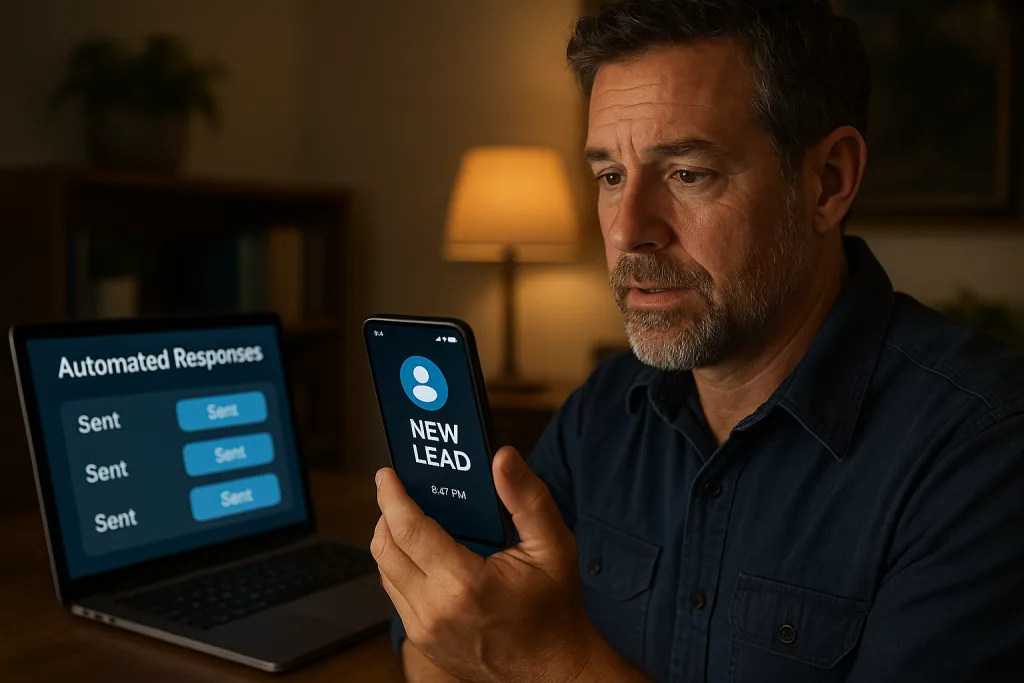
After hours lead response for contractors is a simple system that acknowledges, qualifies, and books off-hour inquiries automatically. It works by routing every form, call, and ad into one CRM, sending a fast text, asking one scoping question, and offering the next available time.
For a practical path, see our lead follow-up automation, CRM automation, and this primer on why lead response speed decides who wins the job.
An AI receptionist can answer common questions and pass details to your morning team. This setup fits solo trades and small crews across Greater St. Louis.
What Is After Hours Lead Response for Contractors?
After hours lead response for contractors handles new inquiries that arrive when your office is closed. It receives the lead, replies quickly, and moves the conversation toward booking without waiting until morning.
The system acknowledges the person, asks one clarifying question, and offers next steps. You set rules once, then it runs every night and weekend.
How It Works After Hours
With after hours lead response for contractors, all sources feed one inbox so the process is consistent. The system detects your off-hours window and sends a friendly text with a scoping question and the next available slot.
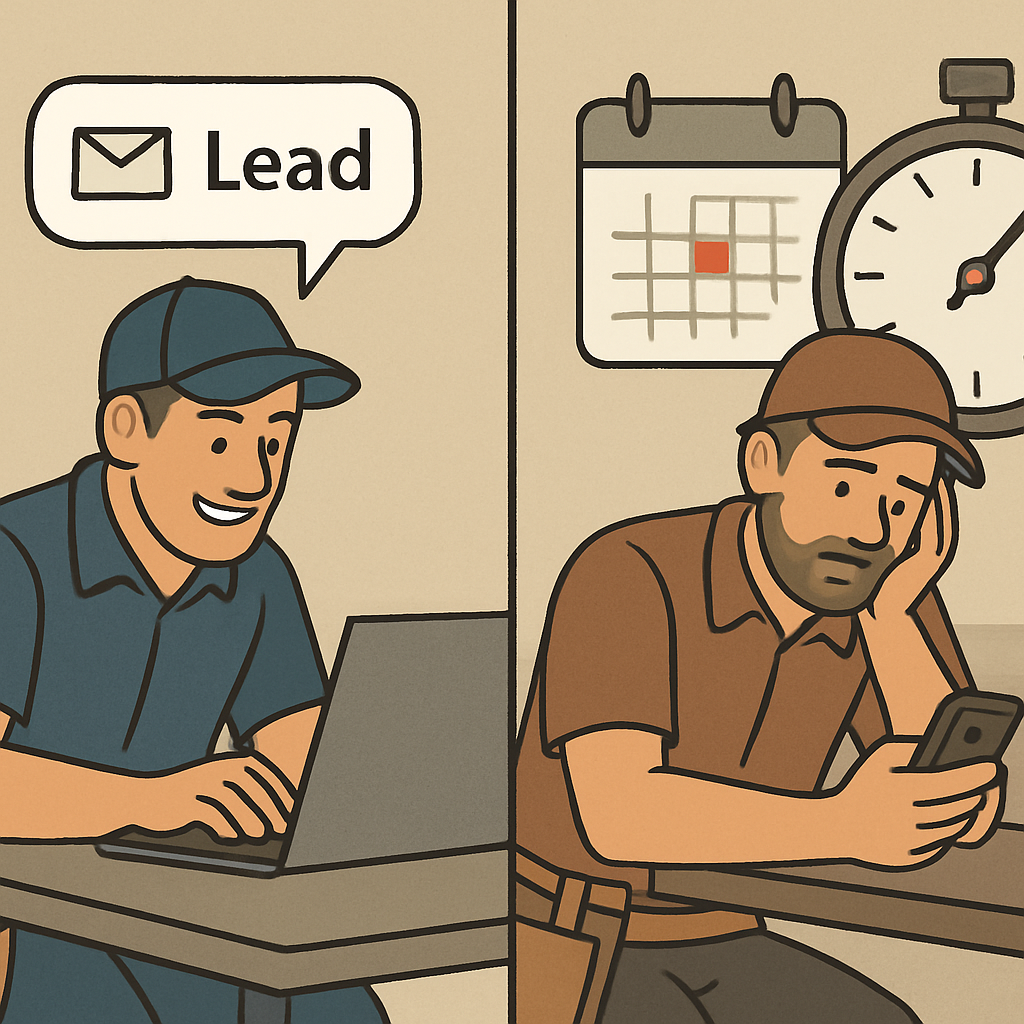
If the lead replies, it routes to your on-call person or queues for morning follow-up. If they stay quiet, a short, respectful sequence continues, then stops.
Every touch is logged in your CRM so nothing gets lost. Centralizing history and ownership is core to lead management, which benefits from CRM integration (HubSpot).
A simple after-hours flow you can picture
- Lead arrives from a form, call, ad, or text and is tagged as after-hours in the CRM.
- Automated reply confirms receipt, asks one scoping question, and proposes next steps or a booking link.
- On reply, automation hands off and stops; if no reply, a brief nudge sequence runs, then ends.
Why Quick Follow-Up Matters
Speed sets the tone of your service. A fast, clear reply removes the friction of waiting and often wins the first appointment.
Homeowners reach out at night or on weekends. Automation bridges those inquiries into tomorrow’s schedule without manual effort.
Make Automation Stop the Moment a Lead Replies
Use clear stop conditions, not just timers. End all messages when a text arrives, a team member marks the lead “Contacted,” or a booking is created.
Respect opt-outs and wrong numbers immediately. Your CRM should record status and prevent further outreach.
Avoid overlaps. If you use text plus voicemail, ensure only one channel triggers after a reply.
Integrate It Into Your Workflow
Start by mapping every lead source and where it lands today. Use one CRM as the single source of truth with owner, timeline, and outcome visible.
Create your after-hours window and escalation rules. Decide who gets urgent alerts and who gets morning assignments.
Draft a short first message. Thank them, confirm service area, ask one scoping question, and offer a concrete next step.
A quick integration checklist
- Pipe all sources into one CRM: forms, calls, ads, and chat.
- Define hours, on-call roles, scripts, and stop rules.
- Test on a weeknight, review logs, and fix edge cases.
Decisions Before You Turn It On
Decide which services belong in after hours lead response for contractors and which can wait until morning. Not every inquiry needs midnight escalation.
Choose response channels. Many contractors prefer text first, with emergencies routed to a live on-call number.
Set your nudge count and timing. Keep it light to protect your brand tone.
Message Templates That Don’t Annoy People
Keep messages short, specific, and helpful. Two sentences often suffice.
- “Thanks for reaching out about your electrical issue. Are you in our service area, and is this urgent or can we schedule first thing tomorrow?”
- “Got it. I can hold a morning estimate window between 8–10 or 10–12. Reply with what works and I’ll lock it in.”
When Calls Hit Voicemail After Hours
Offer a prompt to receive a text for quicker intake. Many homeowners prefer sharing a photo and note.
Transcribe voicemails into the CRM and trigger the same after-hours flow. Attach audio so the team can hear urgency.
If you handle emergencies, publish clear criteria and route directly to on-call. Everything else should confirm an exact morning callback.
Keep Your Team in Control
Automation should handle repetitive steps. Your team owns judgment and relationships.
Use role-based notifications so the right person gets the right alert. Add a shared after-hours dashboard showing new leads, last contact, and next action.
Train two moves: claim ownership and change status. Either action pauses automation immediately.
Compliance, Consent, and Respect
Only message people who reached out or opted in. Make opting out easy and honor it instantly.
Avoid sensitive details in automated texts. Keep scope to scheduling and basic qualification.
Common Pitfalls to Avoid
- Sending too many messages; cap the sequence and stop on reply.
- Scattered inboxes; unify sources, follow-up, and history in one CRM.
- Jargon or long scripts; use plain English and ask only what you need.
- Skipping real-device tests; pilot an evening and fix overlaps.
What Good Looks Like After Month One
Every lead is in the CRM with a clear owner and next step. Timelines show what happened and when.
After-hours replies feel human and typo-free. People respond with useful details.
You know which sources book estimates and which need pruning. The team trusts automation because it stops when they engage.
Where Automation Ends and People Take Over
Automation should handle hello, basics, and scheduling. Estimates, pricing, and nuance belong to people.
Handoffs should include answers, photos, and confirmed times. If a lead goes cold later, a thoughtful human check-in beats a long drip.
Start This Week
To pilot after hours lead response for contractors, keep it simple and ship quickly. You can refine tone and routing after a week of real leads.
- Connect every source to your CRM and tag after-hours.
- Write one acknowledgement and one follow-up that offers two time windows.
- Run a weekday and weekend test; audit stop rules and assignments.
Want help wiring the pieces together? Book a quick consult on our calendar: Schedule a working session.