
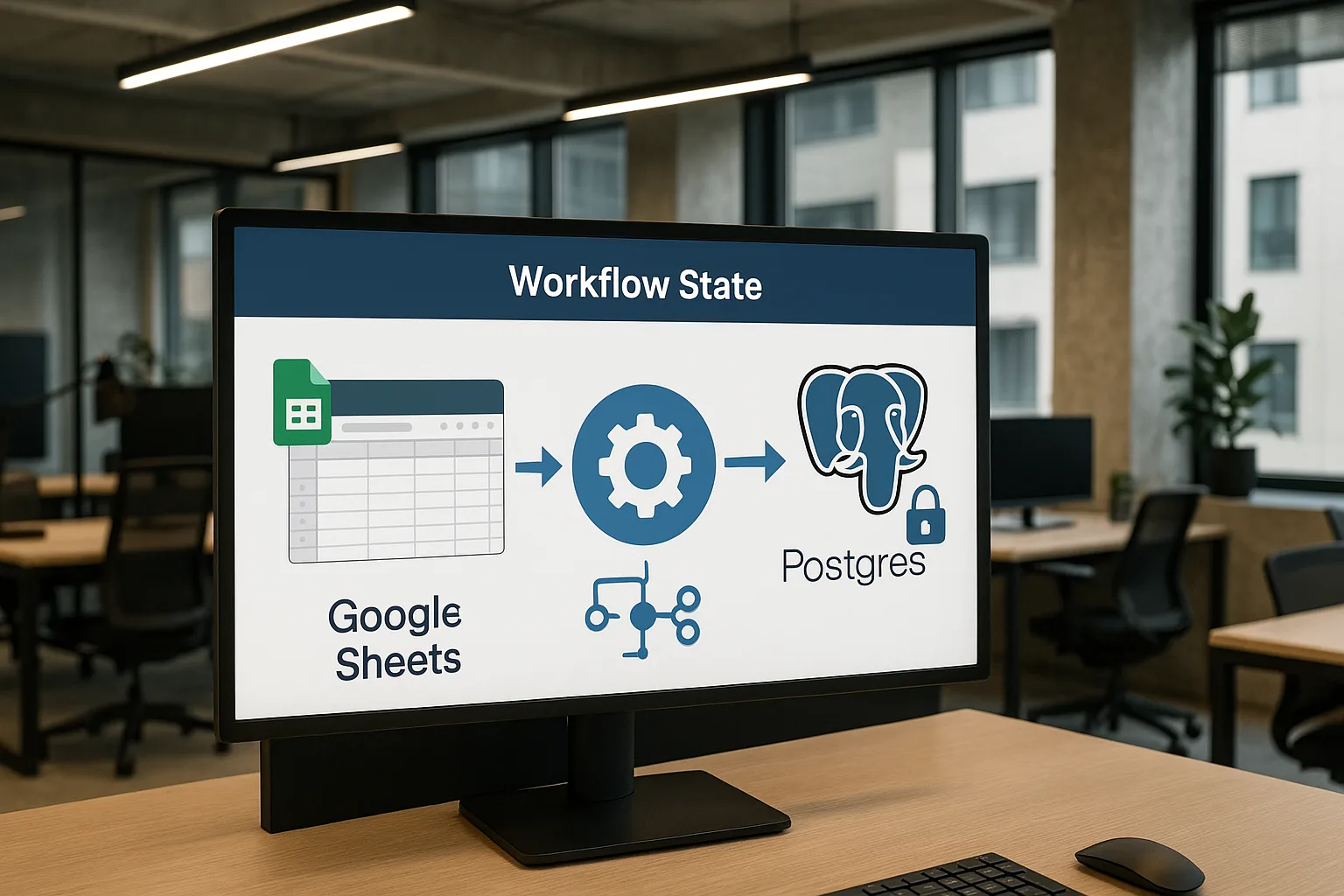
Should a small business store workflow state in Postgres instead of Google Sheets? Yes—if reliability, scale, and clean error handling matter, then storing workflow state in postgres instead of google sheets is the right move. Here’s how to do it without pausing operations.
If you’re starting with customer handoffs, see our CRM automation and Custom workflow automation services. Deciding what to automate first? Stabilizing handoffs also pairs well with Lead follow-up automation.
Understanding workflow state and why it matters
Workflow state is the record of where a task sits in a process, plus the data needed to move it forward. It could be a lead status or an order’s history and approvals.
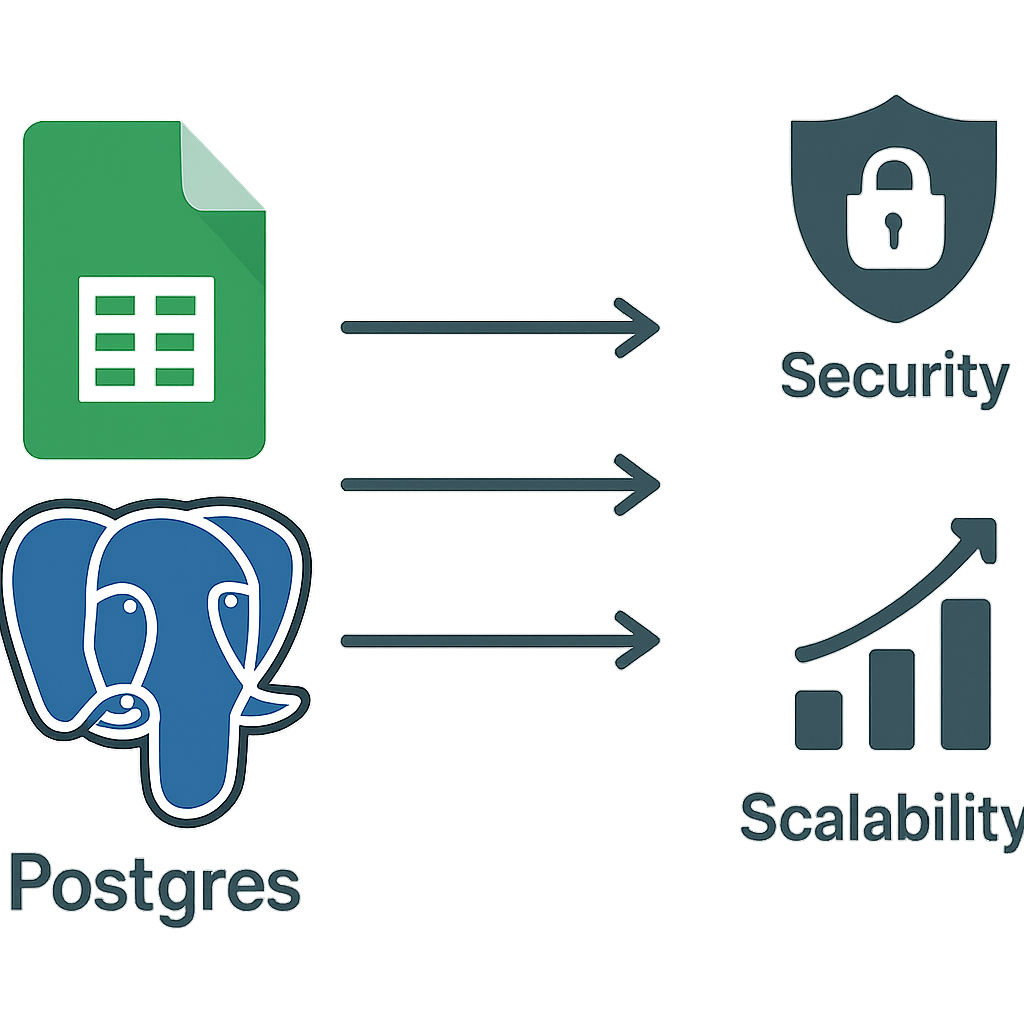
When state is well-managed, automations stay predictable. You avoid duplicates, missed steps, and inconsistent outcomes across tools and teammates.
Google Sheets works for low volume and single-editor updates. As soon as you add parallel automations and API calls, it turns fragile.
Why Google Sheets falls short for workflow state
Sheets has no transactional updates. Partial writes can leave rows inconsistent if any step fails mid-process.
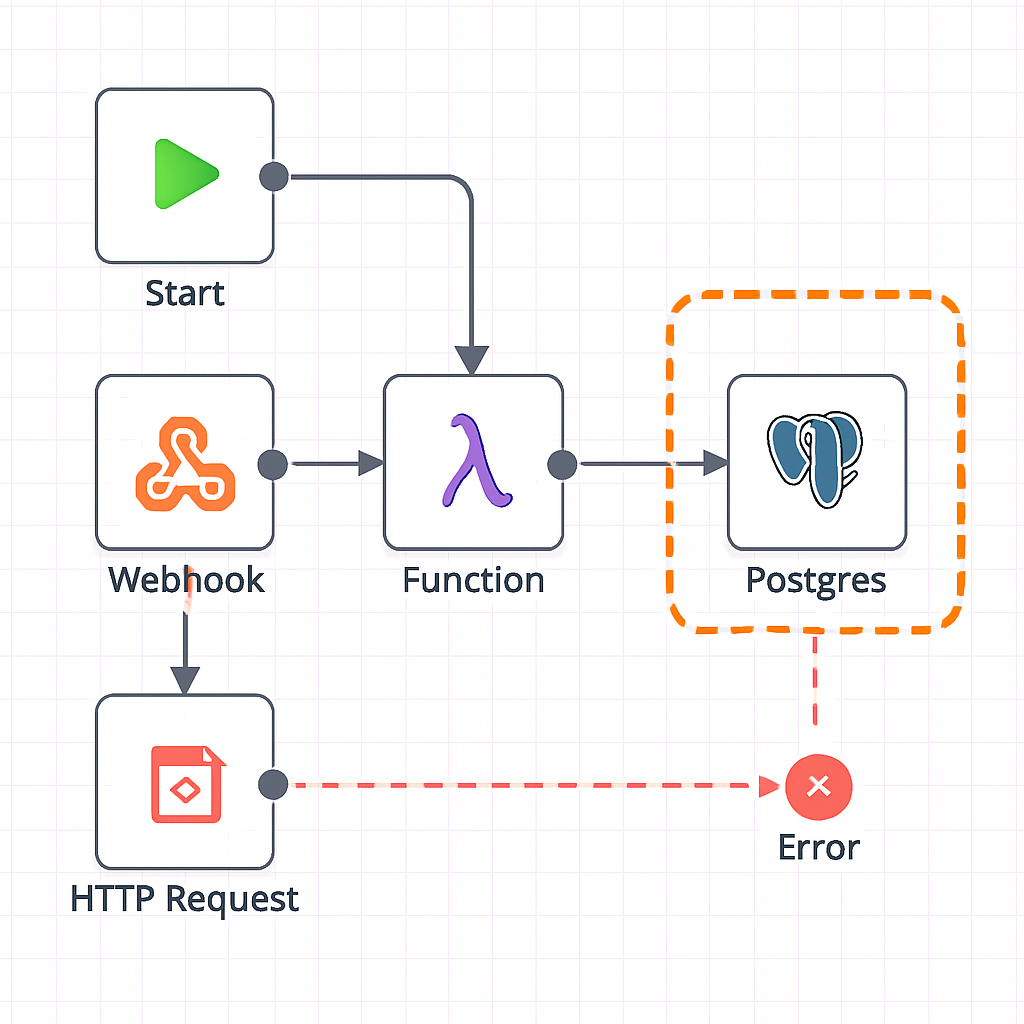
Concurrency is risky. Two automations can write to the same row, and the last save wins, even when it overwrites correct data.
Performance and quotas tighten as volume rises. Timeouts and retries create duplicates, and error handling becomes manual.
These cracks push many small teams to consider storing workflow state in postgres instead of google sheets.
Advantages of storing workflow state in postgres instead of google sheets
PostgreSQL supports ACID transactions, bundling multiple updates into one all-or-nothing unit so data remains consistent even on failure (PostgreSQL docs on transactions).
That consistency scales under concurrency. Row-level locks and unique constraints protect state changes from trampling each other.
Error handling improves. Wrap steps in transactions, roll back cleanly, and retry without creating duplicates.
Indexes keep reads fast as data grows. Query by status, customer, or due date without waiting on filters.
Integration is straightforward. Tools like n8n, Make, and custom apps connect via standard drivers and APIs.
Finally, explicit schemas remove ambiguity. You define allowed states and transitions instead of burying logic in free-form columns.
How to move from Google Sheets to Postgres
Start by mapping the exact decisions your process needs to track. List statuses, who or what moves an item forward, and the data each step requires.
Design a lean schema. Keep one primary table for the core entity and add supporting tables for events, approvals, and retries.
- Inventory current Sheets columns and define target types and constraints.
- Provision Postgres and create tables, indexes, and unique constraints.
- Migrate rows from Sheets; reconcile duplicates with deterministic rules.
- Update automations to read and write via Postgres instead of Sheets.
- Add idempotency keys, bounded retries, and alerts before cutover.
- Keep Sheets read-only for dashboards, or as a manual input surface that syncs into Postgres.
This staged approach is the core of storing workflow state in postgres instead of google sheets.
Schema design essentials
Model the main entity with a clear primary key and a status column that enumerates allowed values. Add created_at, updated_at, and who or what performed the transition.
Use a separate events table to log each state change with timestamps, actor, and payload. You get an audit trail and metrics without bloating the main table.
Enforce unique constraints for idempotency keys on operations. This prevents duplicate processing on retries or timeouts.
Add check constraints for invalid transitions, such as blocking a jump from “new” to “completed” without “in_review.” These catch mistakes early.
Idempotency, retries, and alerts
Give every external-triggered step a stable idempotency key, like a hash of source_id plus step_name. On insert, a conflict means the step already ran.
Wrap multi-step updates in a database transaction. If anything fails, the transaction rolls back, aligning with ACID guarantees in Postgres.
Implement bounded retries with backoff for transient errors. On repeated failure, write a failure event and notify a human via email, Slack, or your ticketing system.
Keep humans in the loop where judgment matters
Not every step should be automated. Use Postgres to pause items for review, then resume after approval.
This keeps customers safe while preserving speed on routine work. It also records who approved what, and when.
If some teammates prefer Sheets for quick entry, use a one-way sync that writes to Postgres immediately. Keep Postgres authoritative.
Best practices that keep operations steady
- Use transactions so multi-step changes are atomic and consistent.
- Assign idempotency keys and enforce unique constraints to avoid duplicates.
- Monitor failures and latency; alert on repeated retries or stuck states.
- Document the schema, transitions, and ownership for each step.
- Back up regularly; test restores and practice a tabletop recovery.
Favor well-named, narrow tables over catch-all JSON until you truly need flexibility. Clarity beats cleverness for small teams.
Design indexes for top queries, like status and due date. Keep them tight to avoid slowing writes.
Set retention policies for events and logs. Archive older history to cheaper storage while keeping recent data hot for dashboards.
Common challenges and how to handle them
Schema changes feel risky. Use additive migrations first, backfill, switch reads, then retire old columns once traffic moves.
Script data migration from Sheets and validate it. Compare counts, spot-check edge cases, and log any failed rows for manual review.
Centralize failures in a table with a retry_after column. Let a worker process re-run stalled items with visibility.
Duplicate processing after timeouts is a common surprise. Idempotency keys plus unique constraints prevent it by design, which is a core win of storing workflow state in postgres instead of google sheets.
As you scale, watch for locks and contention. Keep transactions short, update narrow rows, and queue hot spots to smooth spikes.
Keep feature flags in the database to roll back a release without redeploying code. Disable a new transition path quickly if needed.
A practical next step for Greater St. Louis owners
Pick one workflow that breaks most often in Sheets. Define the states, draft a minimal schema, and pilot storing workflow state in postgres instead of google sheets for two weeks.
Measure failure rates, duplicates, and cycle time. If results hold, expand the same playbook to adjacent processes.
If lead handling is the pain point, structured state in Postgres pairs well with a light automation layer. Consider CRM automation or broader Custom workflow automation.
Why this specific move pays off
You reduce invisible errors that quietly cost time and trust. Failure states become visible and recoverable.
Automations get faster because reads are indexed and state checks are cheap. Speed compounds across every handoff.
Most importantly, you gain a single source of truth. Dashboards, audits, and handoffs get simpler.
Final word
Google Sheets still fits ad-hoc lists and light data entry. Keep it there without harm.
But when reliability matters, storing workflow state in postgres instead of google sheets aligns the system with your goals. Start small, keep humans where judgment matters, and let Postgres carry the weight elsewhere.
FAQ
- Do I need to know SQL to manage workflow state in Postgres?
Basic SQL helps, but many automation tools simplify database work. Collaborate with a developer or database specialist for setup, then empower staff with simple queries and dashboards.
Ready to stabilize your workflows? Book a short planning call: Schedule here.